Documentation
Make Integration
Send submissions to Make.com scenarios to trigger multi-app workflows and advanced data processing.
Overview
Make (formerly Integromat) is a visual automation platform. Send Formbold submissions to Make to branch data, format text, call APIs, and connect to thousands of apps.
Step 1: Create a Custom Webhook in Make
- Log in to Make.com and click 'Create a new scenario'.
- Click the '+' circle, search for 'Webhooks', and choose 'Custom Webhook'.
- Click 'Create a webhook', name it 'Formbold Submissions', and click 'Save'.
- Make will generate a unique webhook URL (e.g. https://hook.eu2.make.com/xxxx). Click 'Copy address to clipboard'.
Step 2: Add Webhook to Formbold
- In Formbold, navigate to Integrations > click 'Make'.
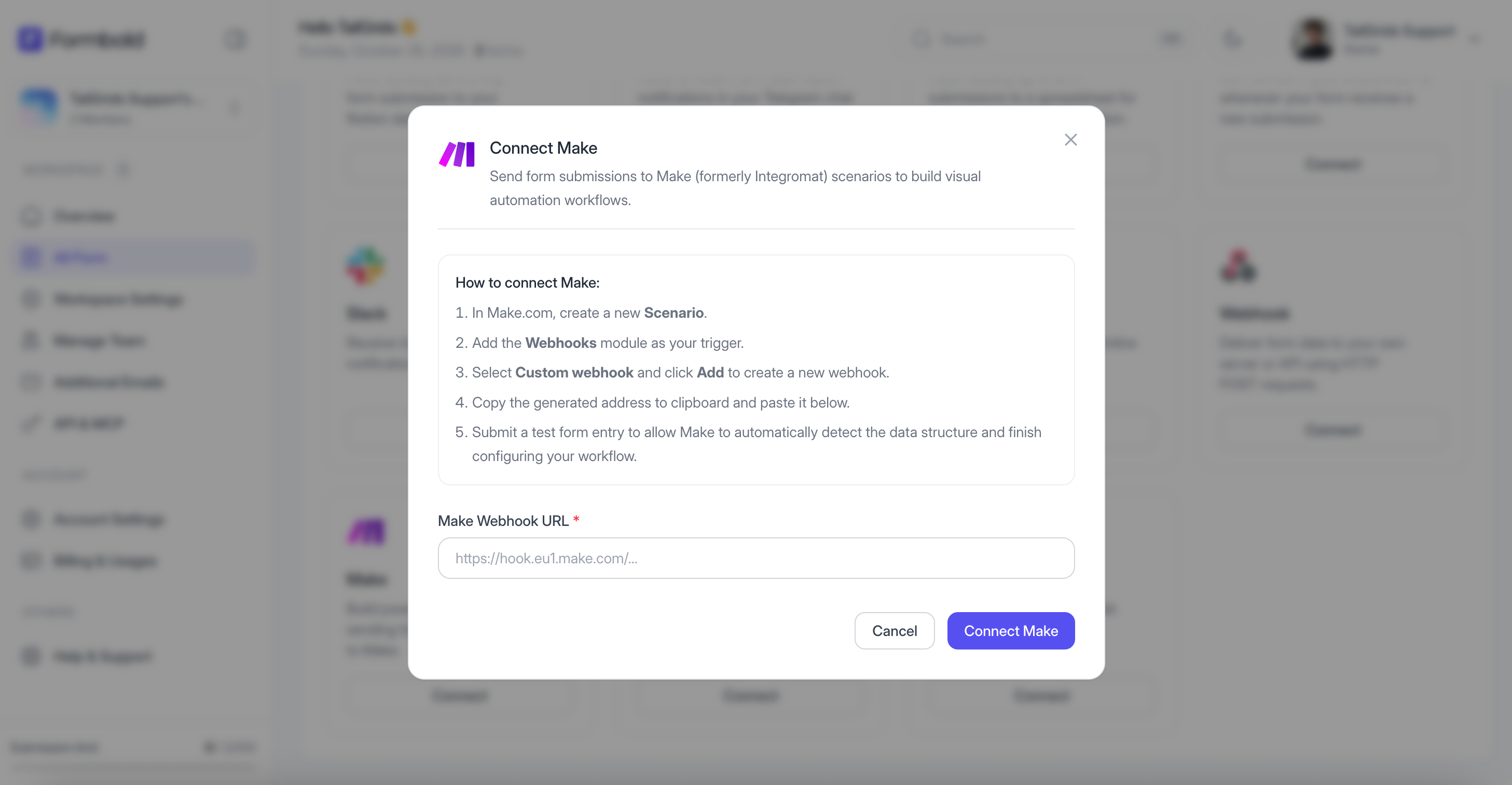
- Paste the copied Make Webhook URL.
- Click 'Save & Activate'.
Step 3: Determine Data Structure
- In Make, click 'Redetermine data structure' on the webhook module.
- Submit a test form on your website.
- Make will display 'Successfully determined'. You can now chain Google Sheets, Airtable, CRM modules, or email services to your scenario!
Last updated: September 10, 2026