Free form backend for any website

Get Form Submissions Straight to Your Inbox, Telegram, Slack, or Notion

FormBold connects your website form to your email, Slack, Telegram, Notion, Google Sheets, and more. No server. No code. Just paste one URL into your form and start receiving submissions in less than 60 seconds. Works with any website, HTML, React, Next.js, WordPress, Webflow, or static site.

#1 Product of the Day

Rated 4.8 stars. Used by 17,080+ developers, freelancers, and agencies.

onepagelovemetamapzavvyasuraFC

Everything you need to handle form submissions.

A complete form solution built to handle everything in one place. Collect, manage, and export your submissions with built-in spam protection, file uploads, auto responders, custom redirects, and powerful workflow integrations.

Just Paste and Go

Paste one URL into your form and start receiving submissions right away. No backend, no hosting, no technical knowledge required.

Free to Start

Get started with 100 free form submissions every month. No credit card required. Upgrade only when your project grows.

Instant Notifications

Never miss a submission. Get form data delivered to your email, Slack, Telegram, Notion, or Discord the moment it arrives.

Workflow Integrations

Connect your forms to Zapier, HubSpot, Mailchimp, and more. Automate your entire submission workflow without writing a single line of code.

Built-In Spam Protection

Server-side filtering automatically blocks bots and fake submissions. Add reCAPTCHA or hCaptcha with a single click for stronger protection.

Attach Large Files

Allow users to attach files directly to your form. You receive a secure CDN link with every single submission.

View and Export Submissions

Every submission is saved, searchable, and ready to review inside the FormBold dashboard. Export your data to CSV in one click, anytime you need it.

Multiple Email Addresses

Link multiple email addresses to each form. Route submissions from different forms to different inboxes. Perfect for teams and client projects.

Auto Responder

Send an automatic confirmation email to every user the moment they submit your form. No third-party email tools needed.

Custom Redirect

Send users to any page after a successful form submission. A thank you page, a special offer, or anywhere you choose.

Encrypted and Secure

Every form submission is end-to-end encrypted. Your data and your users' personal information stay completely secure and protected.

Free Form Templates

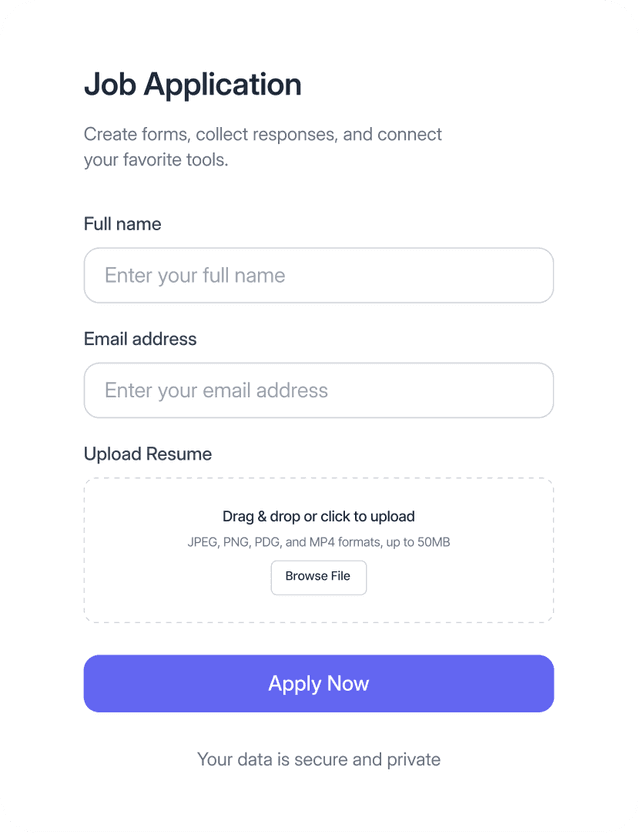
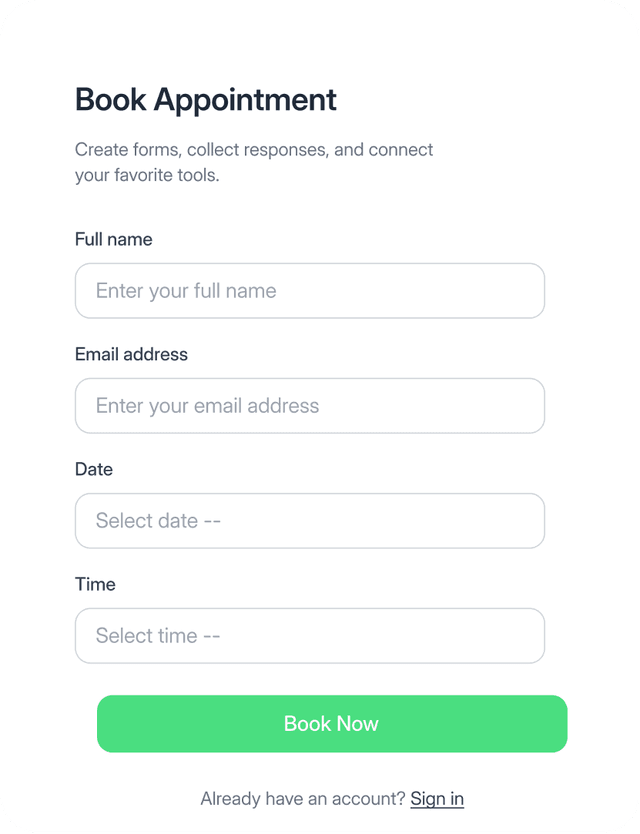
Choose from dozens of ready-to-use form templates for contact, booking, feedback, job applications, and surveys. Customize and publish in minutes.

Integrations

Get notified where you actually work

Connect your form to the tools your team already uses. When someone submits your form, FormBold instantly sends the submission data to your email, Slack, Telegram, Notion, Google Sheets, HubSpot, Mailchimp, and more. No missed submissions, no manual checking, no switching between apps.

connect-apps-image
connect-apps-image

Turn any static form into a working form backend

Follow simple steps to start receiving form submissions to your email, Slack, Telegram, Notion, and more. No servers to manage and no backend code needed.

Step One

Create Your Free Account

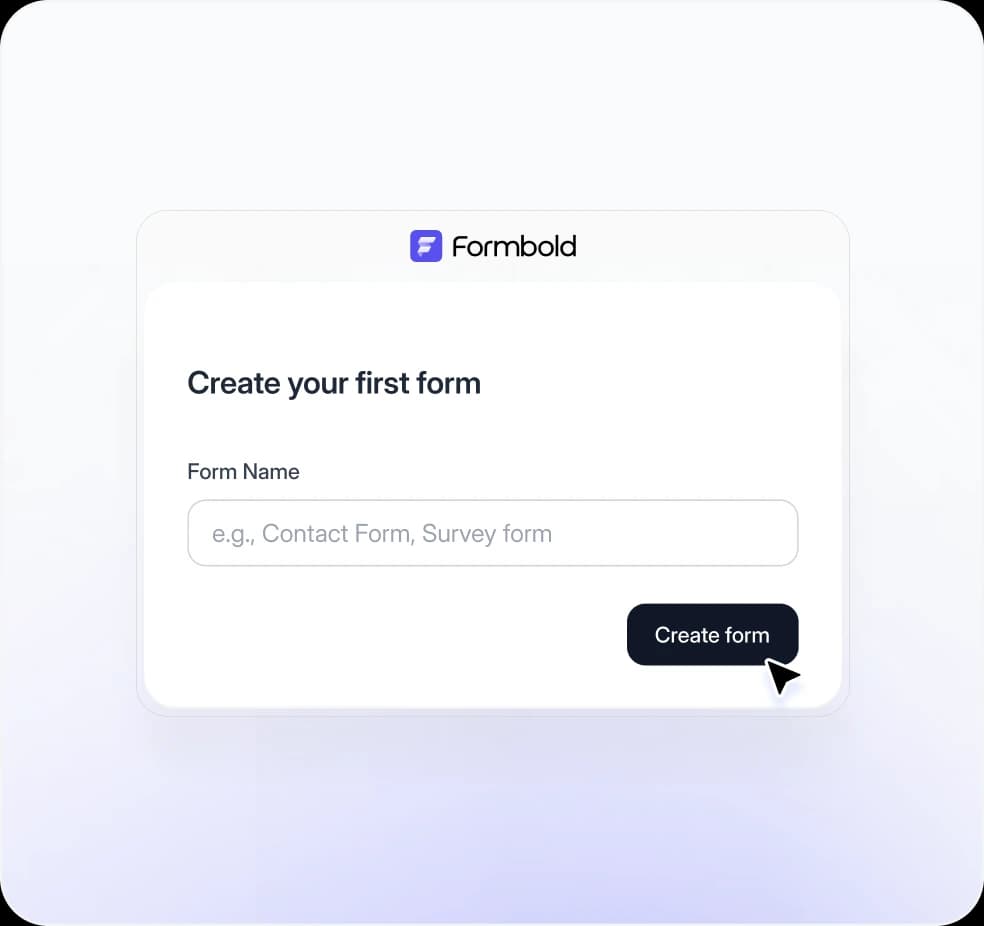
Sign up and log in to your FormBold dashboard. From there, create forms and get unique endpoint URLs instantly.

steps image

Step Two

Copy Your Endpoint URL

Create a form in your dashboard and instantly get a unique endpoint URL. This is all you need to start collecting submissions.

steps image

Step Three

Paste It Into Your Form

Copy and paste the endpoint URL as the action attribute of your HTML form. Your form is now connected and ready to collect submissions.

steps image

Step Four

Start Receiving Submissions

Your form is live and fully connected. Submissions arrive instantly in your email, Slack, Telegram, Notion, or any app you connected from your dashboard.

steps image

Works with any hosting platform or framework

FormBold works with static websites, frontend frameworks, CMS platforms, and modern web applications. Use it with HTML, React, Next.js, Nuxt.js, Vue, WordPress, Webflow, and more.

And More...
And More...

Super easy to integrate, no library or dependency needed.

No SDKs, packages, or backend setup required. Simply add your FormBold endpoint URL to your form and start receiving submissions instantly. Example implementations for different tech stacks.

index.html
Browser
template Image

All essential integrations your forms need

Connect your forms with the apps your team already uses and get notified instantly when a new submission arrives.

Email

Slack

Notion

Webhooks

Telegram

More

Explore all the integrations you need to automate form notifications and workflows.

Free Form Templates

Ready to use form templates

Start faster with professionally designed form templates for contact forms, bookings, feedback, job applications, surveys, and more. Customize any template and launch fully working forms without building from scratch.
Explore Templates
connect-apps-image
connect-apps-image
connect-apps-image

Frequently asked questions

Everything you need to know about FormBold.

What is FormBold?

FormBold is a free form backend service. It receives your website form submissions and delivers them to your email, Slack, Telegram, Notion, Google Sheets, Discord, and more. No server setup or backend code required.

How does FormBold work?

Create a free account, get your unique endpoint URL, and paste it into your form's action attribute. FormBold handles everything else. Start receiving submissions instantly.

Is FormBold really free?

Yes. The free plan includes 100 submissions each month. You can also use the free plan for commercial projects forever, as long as you are within the fair usage limits.

Do I need coding skills to use FormBold?

No. If you can copy and paste a URL, you can use FormBold. It works with any website, HTML page, or framework without writing a single line of backend code.

Which platforms and frameworks does FormBold support?

FormBold works with HTML, React, Next.js, Vue, Nuxt, Gatsby, Astro, SvelteKit, Webflow, WordPress, and any static site or JAMstack project. If your website has a form, FormBold works with it.

What happens if I exceed my monthly submission limit?

On the free plan, submissions stop after you hit the monthly limit. Upgrading to a paid plan takes less than two minutes and gives you higher limits instantly.

How is FormBold different from other Form API providers?

FormBold gives you a submission dashboard, file uploads up to 100MB, multiple email addresses per form, auto responders, custom redirects, and workflow integrations with Zapier, Make, HubSpot, and more. Other providers limit free users to 50 submissions per month. FormBold gives you 100 with no feature restrictions.

Does FormBold protect my forms from spam?

Yes. FormBold uses server-side spam filtering on every submission. You can also enable reCAPTCHA or Custom reCAPTCHA from your form settings in one click.

Can I receive submissions on Slack, Telegram, or Notion?

Yes. FormBold connects directly to Slack, Telegram, Notion, Discord, Google Sheets, HubSpot, Mailchimp, Zendesk, Zapier, and Make. Set up any integration in minutes from your dashboard.

Can I use FormBold for client projects?

Yes. Link multiple email addresses to each form and route submissions to different inboxes. Paid plans completely remove FormBold branding, making it ideal for freelancers and agencies managing multiple client websites.

Can users upload files through my form?

Yes. FormBold supports file attachments up to 100MB. When a user uploads a file, you receive a secure CDN link with the submission data. No extra storage setup needed.

From Our Blog

Latest updates, news and resources from the blog

blog image

How to Create Shareable Forms and Connect The...

Build powerful shareable forms in minutes with FormBold. Easily connect your forms to apps like Notion, Google Sheets, and Slack—no cod...

blog image

Adding A Contact Form to Your React and NextJ...

Learn how simply you can create a contact form for your React.js and Next.js projects with FormBold. Follow our step-by-step guide!...

Start receiving form submissions for free.

Works with any website.

Create Your First Form