Connecting Apps & Integrations
Send FormBold submissions to chat, spreadsheets, CRMs, automation tools and your own server.
Which apps can Formbold send submissions to?
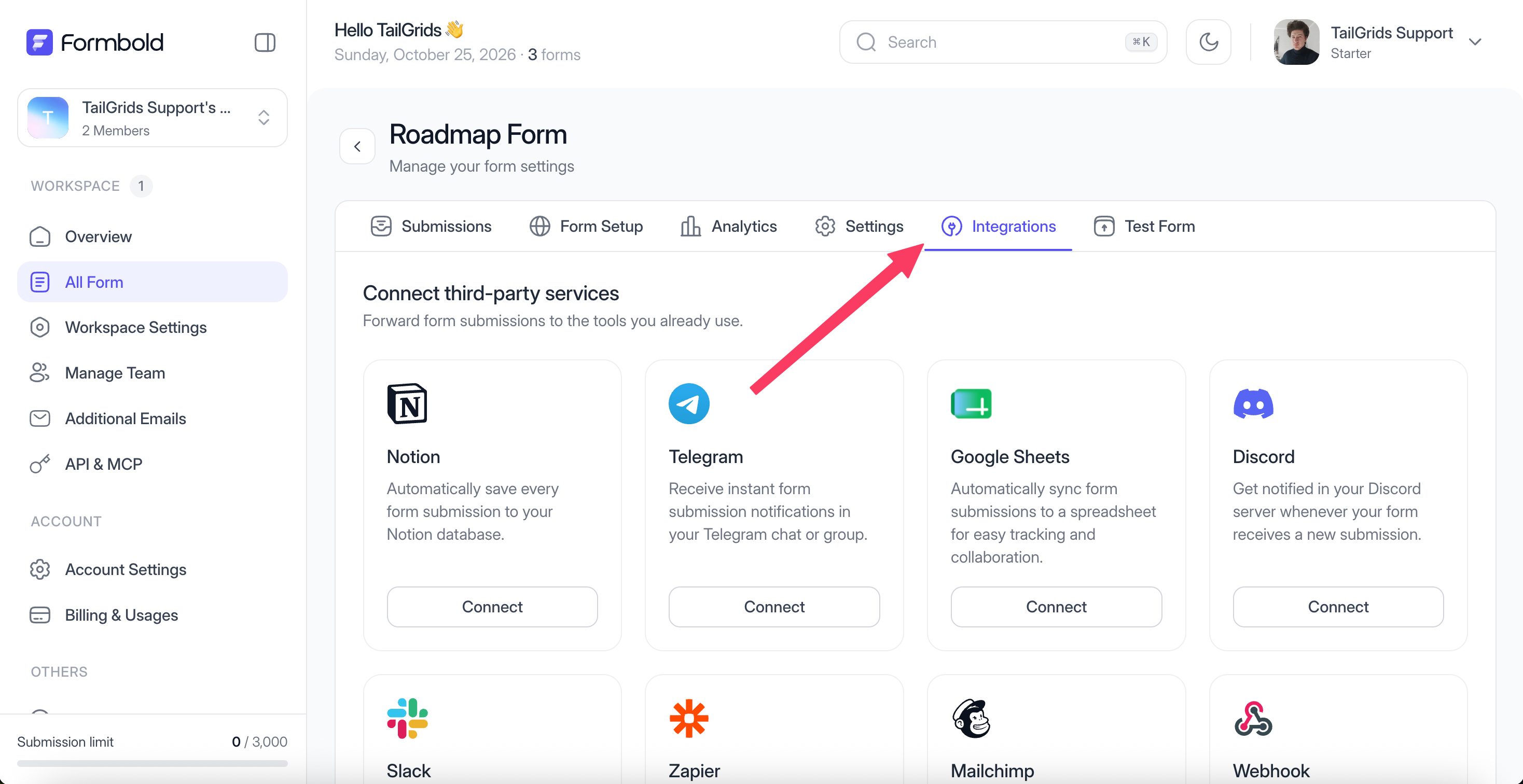
Eleven apps are on your form's Integrations tab, and email is built in on top of that. Email works on every plan. The apps need Starter, Premium or Business.
| App | Category | Good for |
|---|---|---|
| Built in | Notifications, set up in Settings > Email Configuration | |
| Slack | Chat | Posting each submission to a team channel |
| Google Sheets | Spreadsheet | A new row per submission |
| Notion | Productivity | A new page in a Notion database |
| Telegram | Chat | Alerts on your phone or in a group |
| Discord | Chat | Messages in a server channel |
| Mailchimp | Email marketing | Adding subscribers to an audience |
| Zendesk | Support | Turning messages into tickets |
| Make | Automation | Multi-step scenarios |
| Zapier | Automation | Thousands of other apps |
| HubSpot | CRM | Creating contacts from leads |
| Webhook | Developer | Sending JSON to your own URL |
How do I connect an app?
Open your form, click the Integrations tab, find the app and click Connect. Follow the steps in the dialog that opens. Each app has its own guide in the sidebar.
Then send one submission from the Test Form tab and check that it arrived. Five seconds of testing beats finding out a week later that the Slack channel was wrong.
What happens when a submission comes in?
Formbold runs your spam and domain checks first. If the submission passes, it's saved and sent to every app you've connected on that form. Apps work independently, so if one is down the others still get the submission.
Credentials for connected apps are stored encrypted.
Should I use a webhook or a built-in app?
Use the built-in app if one exists for your tool. It's less work and nothing to host. Use a webhook when the data needs to go into your own system, or through Make or Zapier when you need several steps.
Last updated: October 19, 2026