Documentation
HubSpot CRM Integration
Sync new contacts and form leads directly into your HubSpot CRM sales pipeline.
Overview
Ensure your sales and marketing teams never miss an inbound lead. Formbold's direct HubSpot integration creates or updates CRM contacts whenever someone fills out your contact, demo request, or consultation form. OK
Step 1: Authorize HubSpot Connection
- In Formbold, open your form and select the 'Integrations' tab.
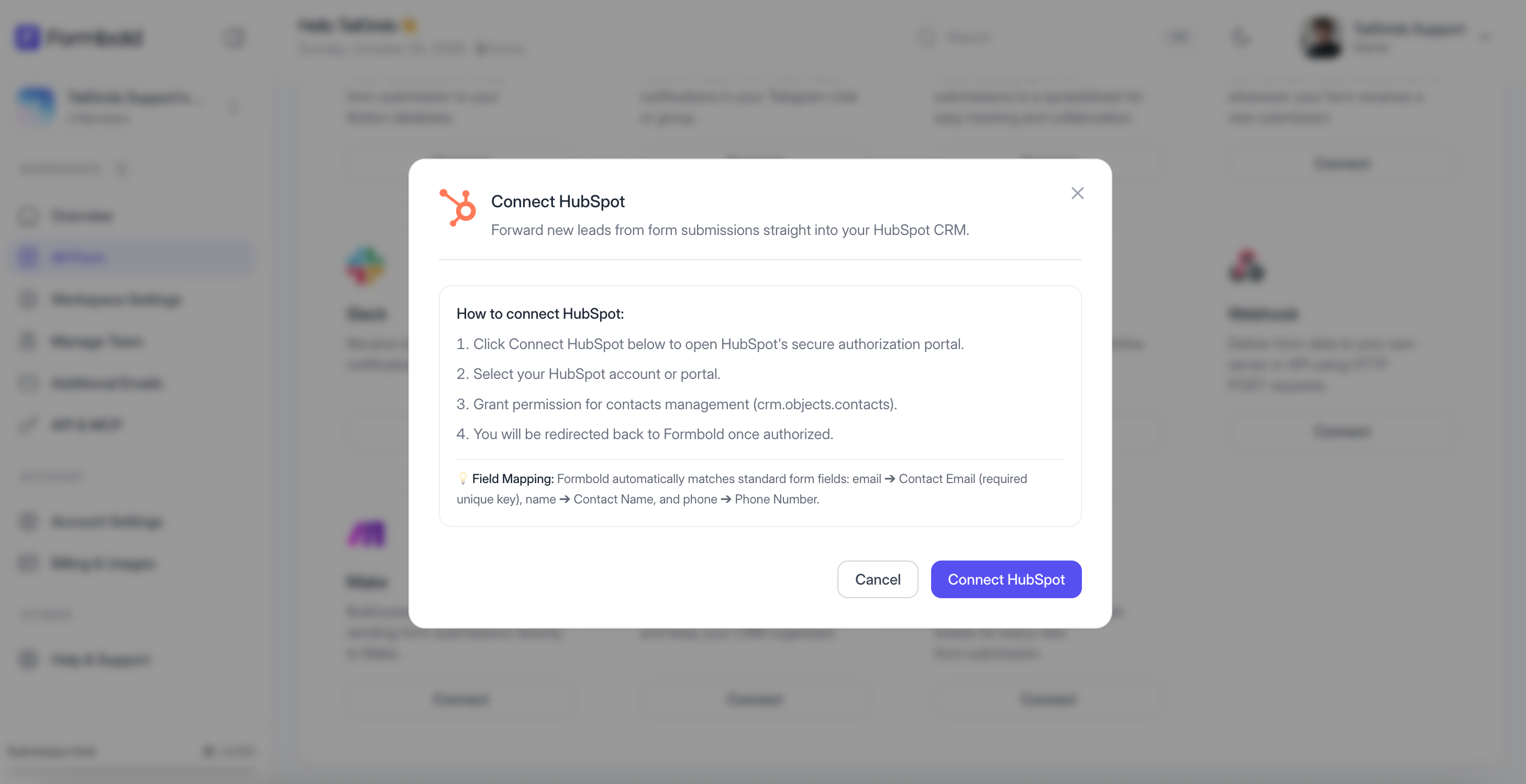
- Click on the 'HubSpot' card.
- Click 'Connect App' to open the secure HubSpot OAuth authorization page.
- Log in to your HubSpot account and select the target hub/portal.
- Grant Formbold permissions to create contacts.
Step 2: Map Contact Fields
- Return to Formbold where HubSpot is now marked as authenticated.
- Map your form fields to HubSpot contact properties: First Name, Last Name, Email Address, Phone Number, and Company.
- Click 'Save Configuration'.
Testing
Submit a test form from your website. Open your HubSpot Contacts dashboard to verify the new contact has been created with all mapped fields!
Last updated: September 10, 2026