Documentation
Google Sheets Integration
Add every form submission as a new row in Google Sheets, so you can track, filter and report on it.
Overview
Google Sheets is one of the most flexible tools for analyzing leads, sharing data with non-technical stakeholders, and building lightweight tracking dashboards. Formbold's direct Google Sheets connector synchronizes submissions in real-time.
Key Benefits
- Automatic Column Matching: Formbold automatically creates column headers matching your form input names.
- Timestamp Tracking: Every entry is timestamped automatically.
- Instant Sync: New submissions appear in your spreadsheet in under 2 seconds.
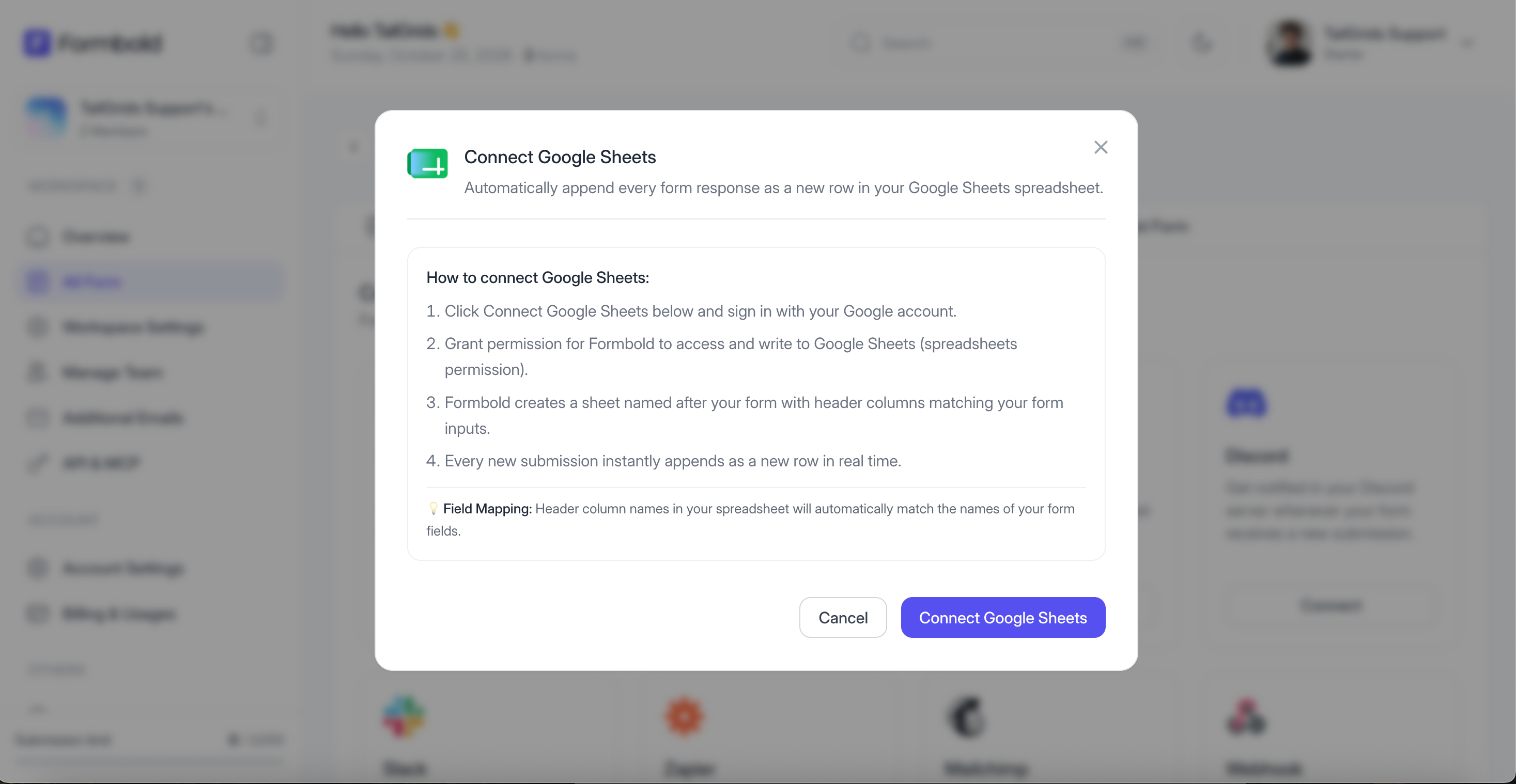
Step-by-Step Connection Guide
- Open your Formbold form and navigate to the 'Integrations' tab.
- Click on the 'Google Sheets' card.
- Click 'Sign in with Google' and grant Formbold permission to access Google Drive and Sheets.
- Choose whether to create a new spreadsheet automatically or select an existing Google Sheet.
- Click 'Save and Activate'.
Testing and Verifying
Open the linked Google Sheet in your browser and submit a test entry from your form. A new row will populate immediately containing all the submitted form field values.
Last updated: September 10, 2026