

Typeform is a popular form builder. Many businesses use it because it’s popular. But after getting 10 responses per month on the free plan, they hit a wall. Then, businesses start looking for Typeform alternatives. They try to find the right form builder that will save money and hassle.
There are many form builder platforms on the market. Some of them offer better customization and branding. Some form builders offer conditional logic, payment collection, and automated workflows. So they help businesses submit forms at a low cost and with better support.
In this guide, I will share the 7 best Typeform alternatives in 2026. I will explore the features, pricing, and benefits. So you can instantly choose the right platform for your business.
What is Typeform?
Typeform is a simple online form builder for businesses. It creates interactive forms, surveys, and quizzes. The platform uses a conversational design to build the forms. It lets your customers answer one question at a time. Moreover, Typeform offers better customization. Thus, you can match your brand identity with the forms.
In addition to that, Typeform allows you to add fields for images, videos, and conditional logic. It helps you build forms with better personalization. The form also supports integration with business tools. You can connect with Google Sheets, Slack, HubSpot, and Zapier. However, Typeform has response limits on its free plan, and its paid plans may not fit every budget.
Why Look for a Typeform Alternative?
Typeform is a good platform to create interactive response forms. But it might not meet every business’s needs. It depends on your budget and business requirements. Depending on that, another form-builder platform may offer the features you want at a better value. Here are some common reasons to look for a Typeform alternative.
Limited Responses on the Free Plan
The free plan for Typeform allows only 10 responses per month across all forms. It limits businesses. They can’t collect customer feedback or leads. So, businesses have to pay for the paid plans to continue using it.
Expensive Pricing
Typeform’s pricing can seem high for a growing business. It increases as your response needs grow. That’s why small businesses prefer the affordable alternatives. Some of them have higher submission limits and offer better value too.
Limited Customization and Branding
Typeform offers simple customization options. However, if you need more design flexibility, you might not find it in Typeform. That’s why you must look for alternatives to Typeform. They offer better customization and branding features.
Integrations and Automation
Businesses need integrations and connections with other tools. Typeform connects with some of them. But if you want better automation to simplify your workflow, you must look into competitors to Typeform.
Advanced Form-Building Features
For advanced form-building features, Typeform might not meet your requirements. So, you need to look into the alternatives and find the one with advanced features.
Best Typeform Alternatives - At a Glance
| Typeform Alternative | Best For | Key Features | Free Plan | Starting Price |
|---|---|---|---|---|
| Tally Forms | Unlimited form creation | Conditional logic, file uploads, e-signatures, answer piping | Unlimited forms and submissions* | $29/month |
| Formbold | Form backend and spam protection | Spam protection, CAPTCHA, notifications, integrations, CSV export | 250 submissions | $8/month |
| Fillout Forms | Custom forms and automation | Drag-and-drop editor, custom CSS, conditional logic, analytics, 30+ integrations | Free plan available | $19/month |
| Google Forms | Free surveys and basic forms | Templates, Google Sheets integration, conditional questions, response summaries | Free | Free |
| Paperform | Branded forms and payments | Custom themes, conditional logic, calculations, payment collection | Free plan listed | $59/month |
| SurveyMonkey | Customer feedback and market research | Survey templates, branching logic, analytics, reporting, AI-powered creation | Limited responses | $35/month |
| Zoho Forms | Business workflows and CRM integration | Drag-and-drop builder, conditional rules, payment collection, automation | Free plan available | $12/month |
7 Best Typeform Alternatives to Create Online Forms
I have done the research and found the best form builders that can meet your needs. You can take a look and pick one instantly.
Tally Forms
Tally Forms is a no-code form builder. It is one of the best Typeform alternatives. The platform allows you to build online forms without any complicated setup. Tally Forms is mainly a document-style or Notion-like editor. Instead of using a drag-and-drop builder, you need to press the slash (/). It instantly opens the menu to insert questions, headings, or other layout blocks. To increase security, you can add a CAPTCHA to stop bots from submitting forms.
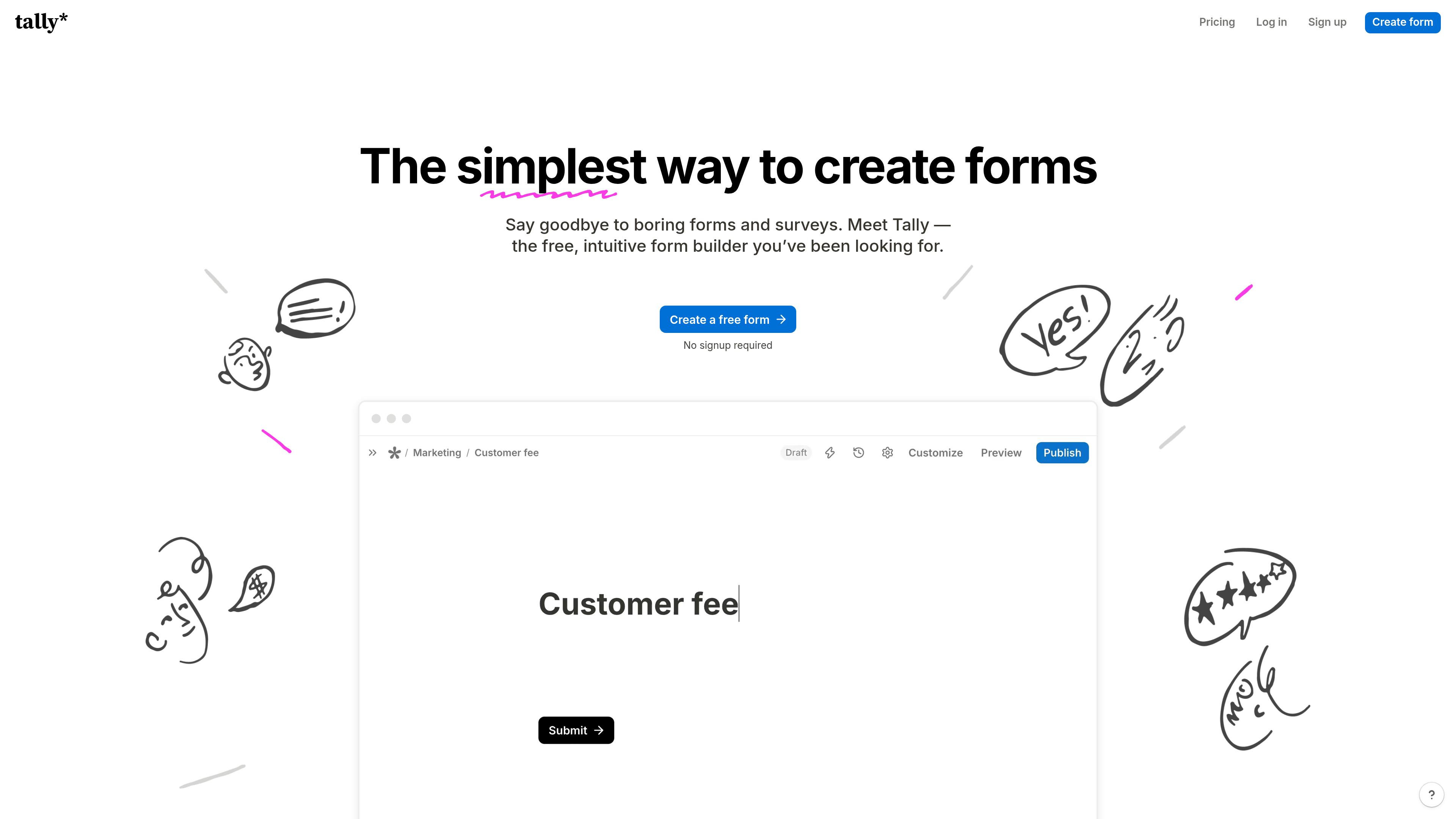
Moreover, Tally Forms supports conditional logic too. You can hide or show questions based on the responses. You can also have file uploads, e-signature, and answer piping. You can also get integrations with Google Sheets, Notion, Airtable, and Slack. However, if you want some other alternatives to Tally, you can look those up too.
Key Features
- No-code and document-style form builder.
- Add Conditional logic to show or hide questions.
- Upload files and add e-signature fields.
- Have Answer piping for personalized questions.
- Offers Ready-made form templates.
- Integrations with Google Sheets, Notion, Airtable, and Slack.
Pros
- Unlimited forms and submissions on the free plan.
- An easy UI for creating forms without coding.
- Quick form creation with a simple editor.
- Supports multiple form types.
- Easy to connect with other business tools.
Cons
- No traditional drag-and-drop editor.
- Limited branding options on the free plan.
- Advanced analytics require a paid plan.
Pricing
Tally Forms offers a generous pricing plan for its users. The free plan includes unlimited form creation and submission, subject to fair usage guidelines. Other than that, it has two paid plans. The pricing plans of Tally Forms are:
- Free: $0/month
- Pro: $29/month
- Business: $89/month
Formbold
Formbold is another of the best Typeform alternatives. It is also a free form backend platform for managing various forms and submissions. You can easily connect your forms with just a simple prompt. Formbold connects to HTML, Vue, React, Next, and even AI-created forms. So you can collect submissions for your form in a single backend and manage them easily.
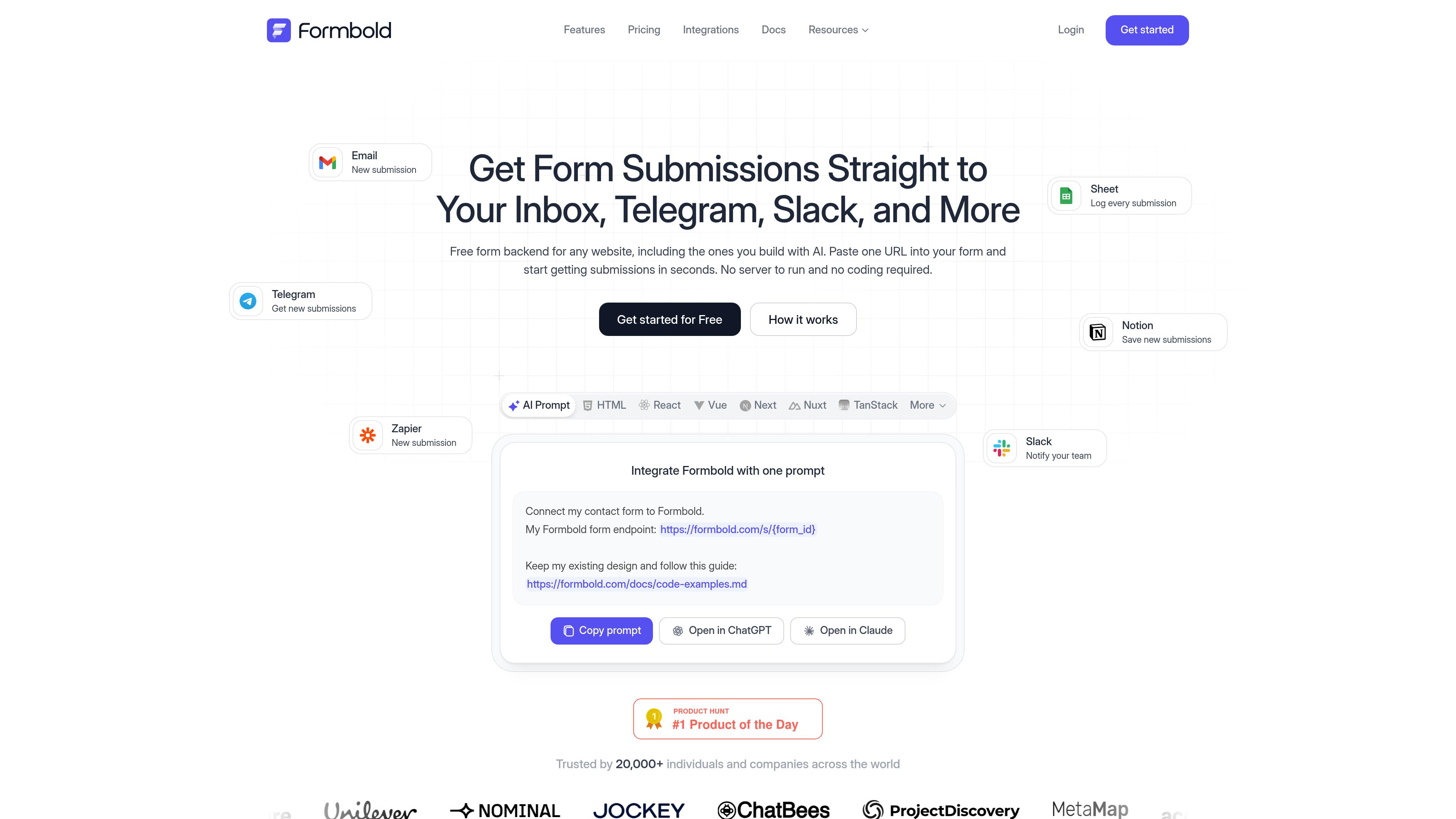
Furthermore, the Typeform alternative provides instant notifications whenever you get a response. It connects the forms with Notion, Slack, Discord, and Telegram. So you get a simple, instant notification, allowing you to respond faster.
In addition, Formbold offers built-in spam protection too. You can also add your custom CAPTCHA service. It will help make your responses more secure. The built-in spam protection has more advanced features. It protects your forms from disposable, marketing, and spam emails, fraud, scams, and adult content. Formbold also protects your forms from drug, crypto, and abusive-language scams. You can turn features on with a simple toggle in the dashboard settings.
Key Features
- Form backend for HTML, React, Vue, and Next.js.
- Supports AI-generated forms.
- Built-in spam protection and custom CAPTCHA integration.
- Instant submission notifications.
- Integrations with Notion, Slack, Discord, and Telegram.
- CSV export for form submissions.
Pros
- Easy to connect forms without building a backend.
- Supports multiple frameworks.
- The free plan includes 250 submissions.
- No credit card required to get started.
- Sends instant notifications for new submissions.
- Works with existing and AI-generated forms.
Cons
- Requires basic technical knowledge for some integrations.
- Advanced automation may require third-party tools.
Pricing
Formbold offers very affordable, simple pricing plans. Even for the free plan, you will get 250 free submissions. It is designed for all businesses and startups. So, you can choose the plan that meets your budget. Here are the pricing plans of Formbold:
- Free: $0/month
- Starter: $8/month
- Premium: $20/month
- Business: $40/month
Fillout Forms
Fillout is an all-in-one form builder and one of the best alternatives to Typeform. It is a simple form-creation platform that lets you create and automate forms with minimal effort. You can build forms using its drag-and-drop editor. Moreover, you can also pick from pre-built themes. On the other hand, you can use custom CSS to customize your forms just the way you want.
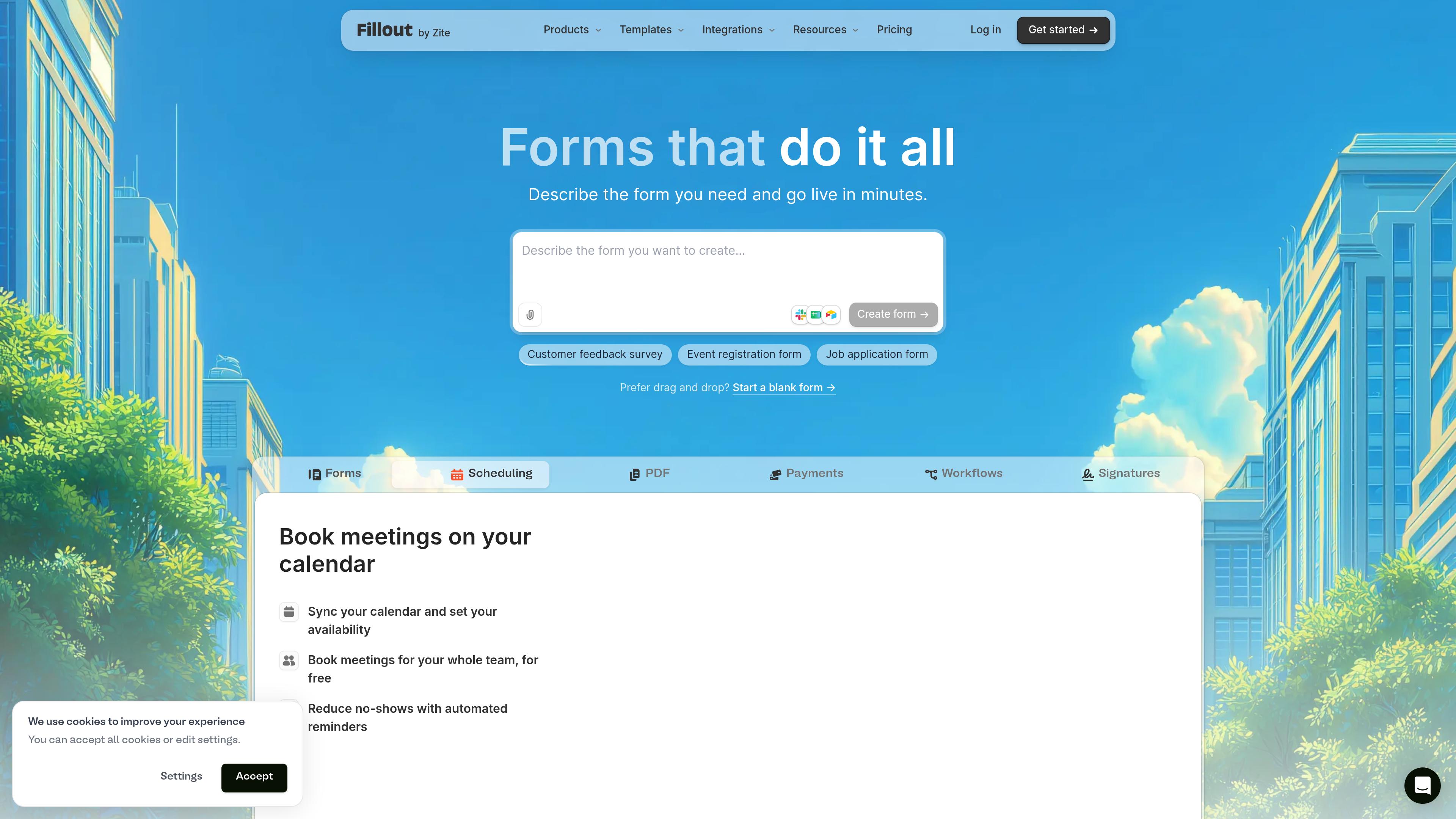
Besides, Fillout Forms offers built-in views and analytics to help you track form responses. You and your team can review submissions and collaborate in real time. One of the things people love about Fillout is its wide range of integrations. It integrates with 30+ tools to meet your business needs. It includes Google Sheets, Google Drive, Slack, Airtable, HubSpot, Stripe, Notion, Attio, and Calendly. Hence, it is easy to manage your workflow. You can also add Google’s reCAPTCHA or hCaptcha to make your form secure.
Key Features
- Drag-and-drop form builder.
- No need for coding knowledge.
- Pre-built themes and custom CSS.
- Conditional logic and form automation.
- Built-in response views and analytics.
- Real-time team collaboration.
- 30+ third-party integrations.
Pros
- Easy to create forms without coding.
- Offers flexible design customization.
- Supports multiple form types.
- Connects with popular business tools.
- Makes response management easier.
Cons
- Some advanced features require a paid plan.
- Pricing can be expensive for growing teams.
- Learning advanced customization may take time.
- The free plan has usage limits.
Pricing
Fillout Forms has simple pricing plans for different teams. It helps businesses pick the right one without exceeding the budget. Here are the pricing plans of Fillout Forms:
- Free: $0/month
- Starter: $19/month
- Pro: $49/month
- Business: $89/month
There is also a team plan you can choose. It will help you scale your forms easily. It costs $250/month.
Google Forms
Google Forms is a free online form builder by Google. It is simple to use and suitable for personal websites, small businesses, and basic forms. Again, it is a great platform for creating questionnaires, registration forms, and internal feedback forms. Many people love the simplicity of Google Forms. Anyone can create and share forms without technical skills or coding.
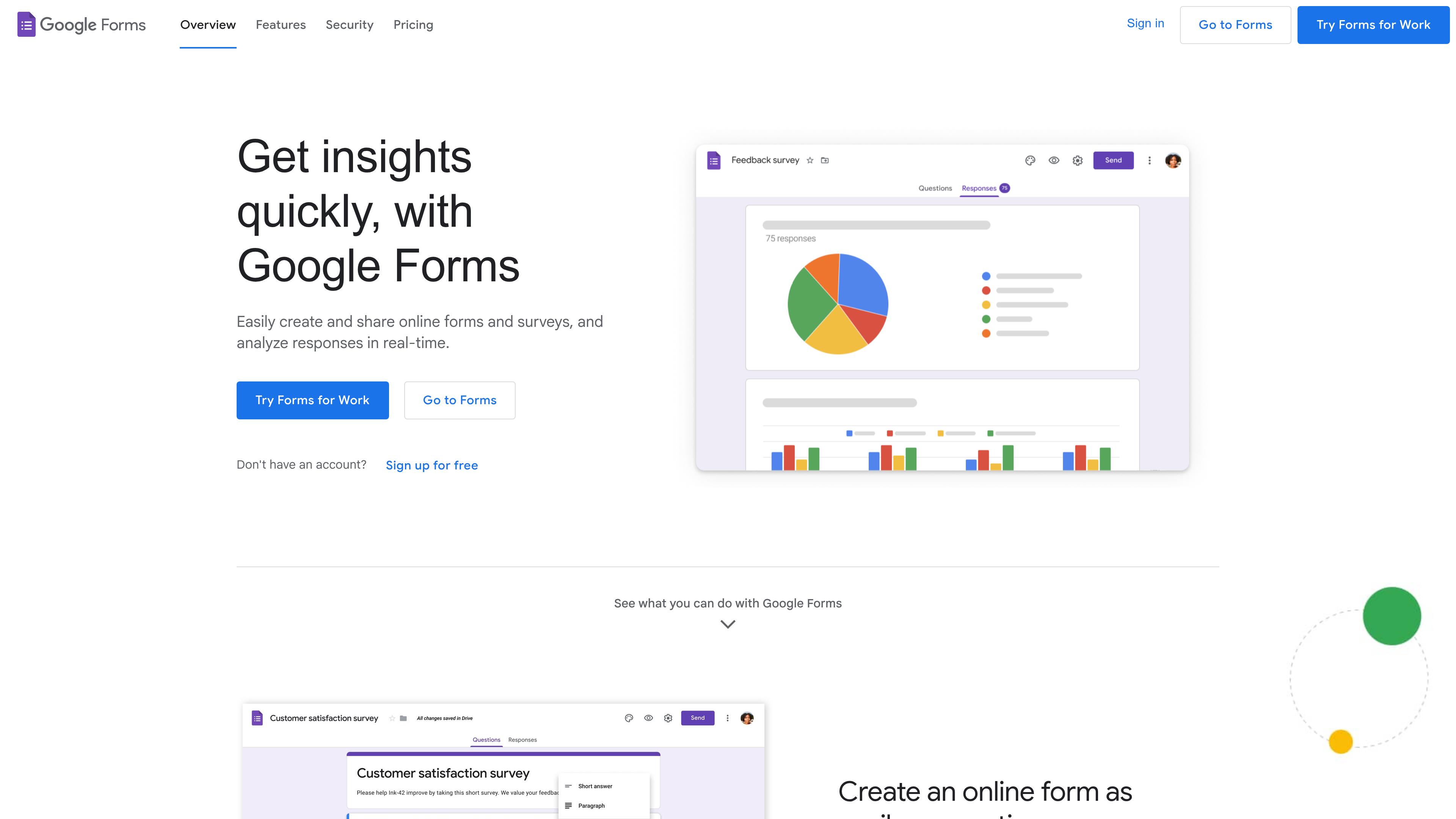
However, it may not be the best choice for commercial or high-traffic websites. If you need advanced form-building and management features, Google Forms may not be a good fit. Also, when your website receives heavy traffic, investing in a more advanced form builder might be a better option.
Then, you can also add conditional logic to show questions based on previous answers. Many small businesses also use Google Forms to collect leads and applications from job applicants.
Key Features
- Easy form creation with different question types.
- Form sharing through direct links.
- Google Sheets integration for managing responses.
- Ready-made templates and theme customization.
- File uploads with supported accounts.
- Conditional logic to show relevant questions.
- Response summaries for reviewing answers.
Pros
- Great for simple surveys and data collection.
- Easy to learn and use.
- Useful for teams using Google services.
- Works smoothly with Google Sheets.
Cons
- Limited design customization.
- Not ideal for complex business workflows.
- Some features depend on account settings.
- Offers less control over form design and functionality.
Pricing
Google Forms is free for personal use with a Google account. Businesses can also access it through Google Workspace plans.
Paperform
Paperform is another of the best alternatives to Typeform. It is a simple, document-style form builder and editor. It helps businesses create customized forms for landing pages and websites. The forms allow you to add text, images, questions, and other elements. So, you can create an interactive form without any code. Rather than a traditional questionnaire, your form looks like a branded landing page.
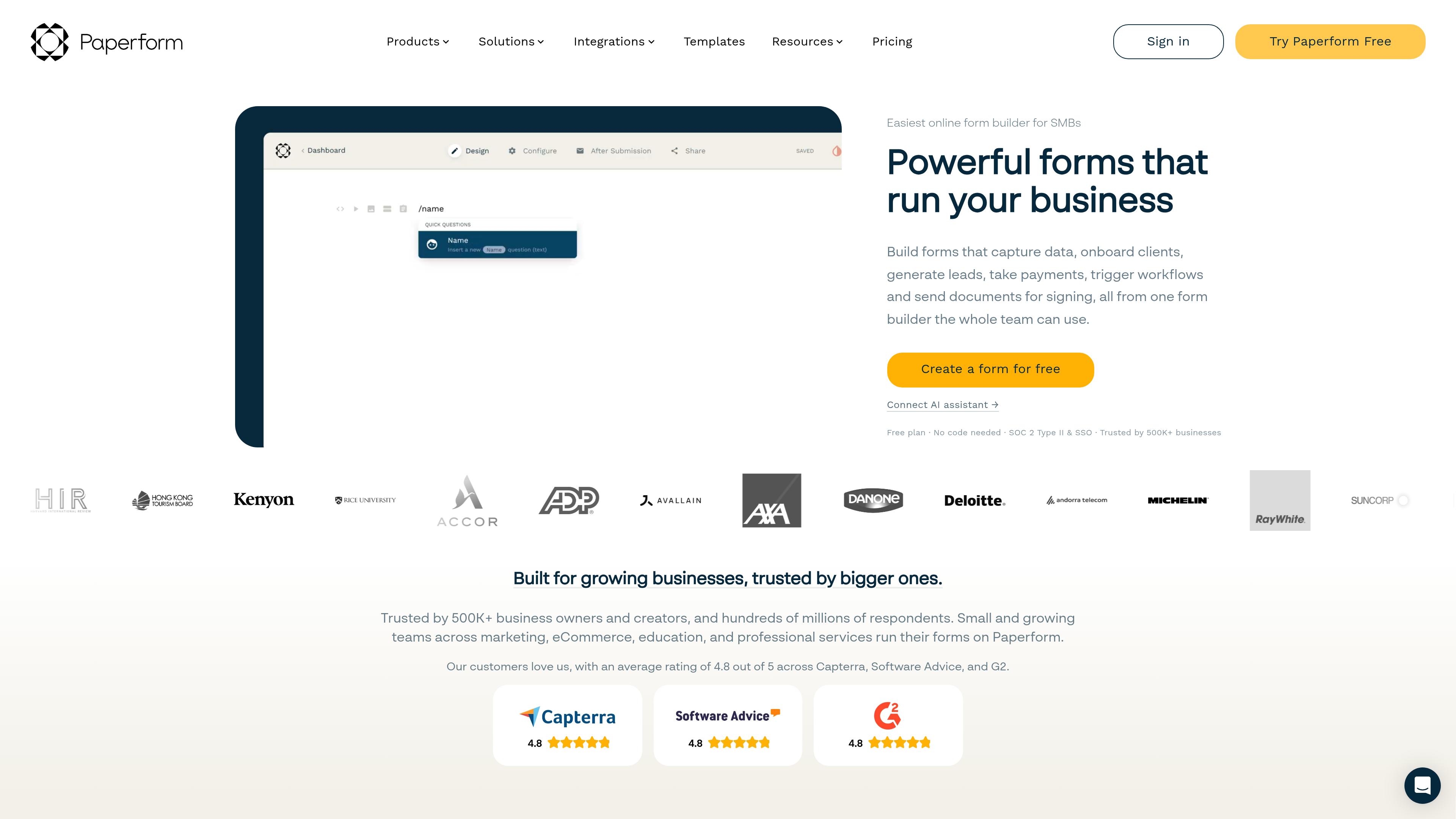
Furthermore, Paperform supports conditional logic, calculations, and payment collection. So, you can use it for orders, bookings, and registrations. You can also use the forms to get customer feedback from surveys. Paperform also offers integrations with various tools and platforms. So, you can manage the submissions and automate your workflows.
Key Features
- Document-style form builder.
- Custom themes, fonts, and form layouts.
- Conditional logic and question branching.
- Payment collection through supported payment providers.
- Calculations and custom fields.
- Booking and registration forms.
- Third-party integrations and workflow automation.
Pros
- Offers flexible form customization.
- Supports payment collection.
- Suitable for branded forms and landing pages.
- Includes conditional logic and calculations.
- Supports business workflow automation.
Cons
- Paid plans can be expensive for small businesses.
- Advanced features may take time to learn.
- Not the best choice for users who only need simple forms.
Pricing
Paperform has a few different pricing plans too. It also allows you to choose the best plan, like others. Here are the pricing plans of Paperform:
- Free: $0/month
- Pro: $59/month
- Business: $149/month
- Enterprise: Contact for Pricing
SurveyMonkey
SurveyMonkey is an online survey platform. It allows you to create forms with different templates and AI, too. You can build forms to collect customer feedback and conduct product-market research. The platform also helps you analyze the responses. In addition, SurveyMonkey offers a variety of ready-made templates to work with. It has question types, survey types, and customer feedback types.
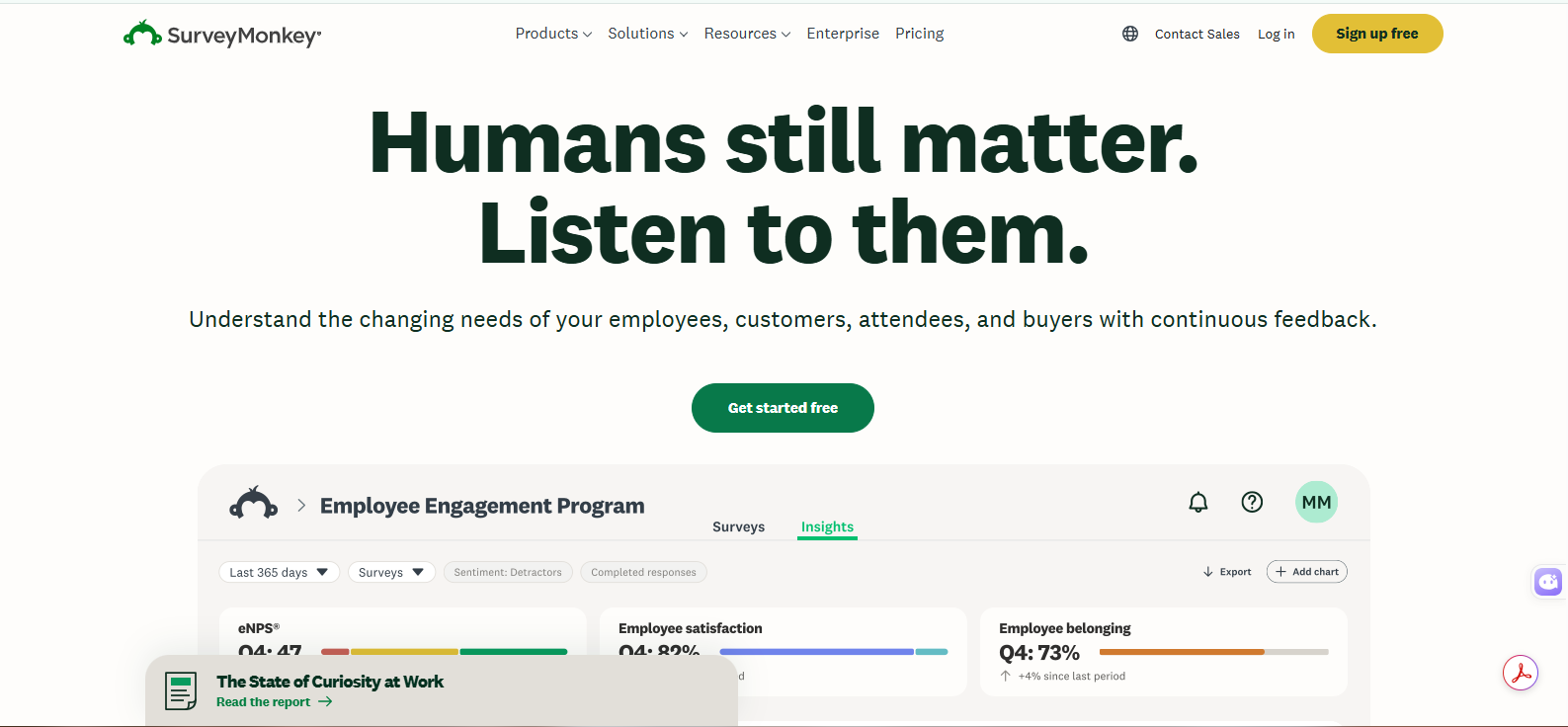
Unlike other Typeform alternatives, SurveyMonkey focuses more on research and analysis. With the platform, you can pull the actual survey responses or the information you need without having to work hard. Besides, the platform has reporting features too. It helps you understand the collected responses and identify useful insights.
Key Features
- Ready-made survey templates.
- Multiple question types and formats.
- Customer feedback and market research tools.
- Advanced survey logic and branching.
- Response analytics and reporting.
- Data export and third-party integrations.
- AI-powered survey creation.
Pros
- Easy to create professional surveys.
- Offers detailed response analysis.
- Useful for market research.
- Provides a wide range of question types.
- Supports team collaboration.
Cons
- The free plan has limited responses.
- Advanced features require paid plans.
- Pricing can be expensive for small businesses.
- Some customization options are limited.
Pricing
Like other Typeform alternatives, SurveyMonkey offers different pricing plans. Here are the pricing plans of SurveyMonkey:
- Free: $0/month
- Standard Monthly: $35/month
- Advantage Annual: $34/month
- Premier Annual: $99/month
Zoho Forms
Zoho Forms is another of the best alternatives to Typeform. It is an online tool for collecting information. It also helps to manage different workflows of a business. Zoho Forms is a part of the Zoho ecosystem. So, it works very well for businesses that use Zoho applications. You can create forms for lead generation and registrations. You can also get customer feedback, employee request forms, and surveys.
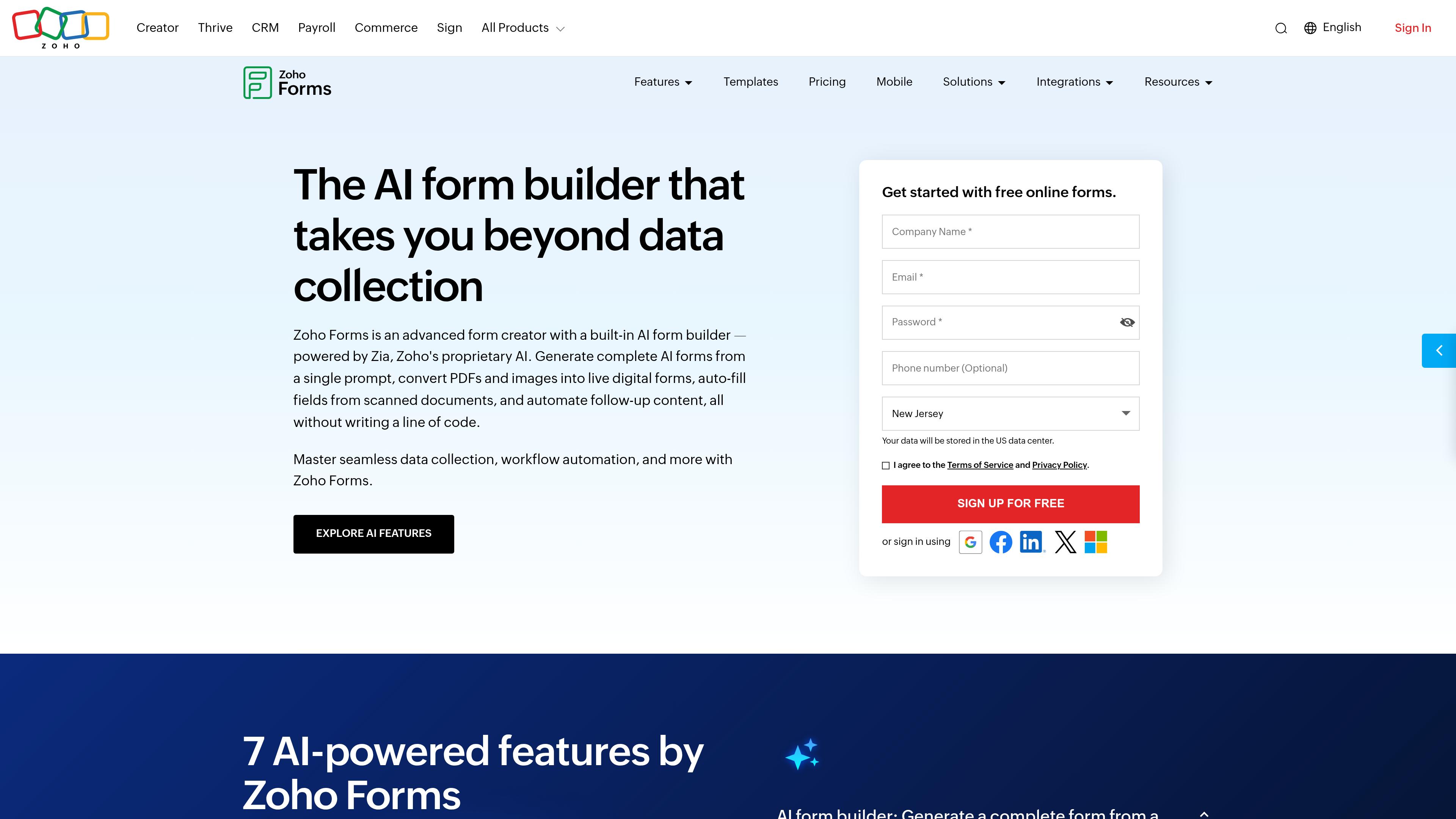
Furthermore, Zoho Forms offers a drag-and-drop editor. It allows you to build forms without coding. You can also add conditional rules for the answers. Thus, it will show relevant questions based on the user’s answers. Another is that Zoho Forms connects with Zoho CRM. In this way, it helps to manage new leads and customer information easily.
Key Features
- Drag-and-drop form builder.
- Conditional rules and field logic.
- Ready-made form templates.
- Integration with Zoho CRM and other Zoho apps.
- Payment collection and file uploads.
- Form analytics and response tracking.
- Workflow automation and email notifications.
Pros
- Easy to create forms without coding.
- Works smoothly with Zoho applications.
- Supports different types of business forms.
- Offers useful automation features.
- Provides flexible form customization.
- Suitable for business workflows.
Cons
- Best suited to businesses using Zoho products.
- Some advanced features require paid plans.
- The interface may take time to learn.
- The free plan has limits on forms and submissions.
Pricing
Zoho Forms also has good pricing plans. Here are the pricing plans for Zoho Forms:
- Free: $0/month
- Basic: $12/month
- Standard: $30/month
- Professional: $60/month
- Premium: $110/month
Quick Recommendations
- Best overall Typeform alternative: Formbold.
- Best for unlimited free submissions: Tally Forms.
- Best for advanced no-code forms: Fillout.
- Best for simple surveys: Google Forms.
- Best for branded forms and payments: Paperform.
- Best for CRM integration: Zoho Forms.
Final Words
Typeform alternatives offer better form-building and backend support, too. So you can not only build interactive forms but also manage them with minimal hassle. The alternatives help to connect the forms with your business tools. Hence, you can manage the responses and collaborate without making a fuss.
But if you want a winner, it’s Formbold. It is the best Typeform alternative for any form. It allows you to connect any form, including AI ones. Other tools like Fillout and Zoho Forms are good to go with, too.