

Creating submission forms with Tally Forms is very easy. But it has static blocks without any conversational flow. Also, when you need better integrations, your current form builder may not be enough. That’s why exploring alternatives to Tally Forms is the best option.
Tally Forms helps you build the form easily. But it has some limitations too. On the other hand, the Tally Forms competitors offer better integrations, greater ease of use, and simpler workflows. Some tools also manage the backend.
In this article, we will share the 7 best Tally Forms alternatives in 2026. We have listed both free and paid platforms. So, you can choose the one that meets your requirements and budget.
What is Tally Forms?
Tally, or Tally Forms, is a no-code online form builder for your website and application. You can create different forms and collect responses from your audience. Unlike other form builders, you don’t have to start coding to create one. Even if you don’t have coding knowledge, you can create a form in minutes.
The platform allows you to create various forms for different placements. You can create question-and-answer, multiple-choice, or checkbox forms. Tally also has better privacy. It follows the GDPR rules properly. It integrates with Notion, Google Sheets, Airtable, Slack, Zapier, Coda, and others.
Why Look for Tally Forms Alternatives?
Tally Forms is a good choice as a no-code builder. But not all projects come with the same requirements. I wanted to build a highly customized yet simple form for my eCommerce website. Here are the reasons people like me start looking for Tally Forms alternatives:
Static Experience
I wanted my forms to be creative and engaging. But Tally Forms are very static and have no interaction flow. It provides the full form at a time and feels boring. That is a reason I started to look for the best Tally alternatives.
Integrations and Enterprise Compliance
Tally offers integrations with Notion, Slack, Zapier, and others. It complies with GDPR too. But if you want enterprise compliance like HIPAA, Tally is not a good option.
Better Data Analysis and AI Insights
Tally only allows you to read and manually interpret the survey responses you get. It offers you few insights with AI and data analysis opportunities. But other Tally alternatives offer insights from AI and better data analysis features.
Design and Customization
Tally allows you to customize the forms as you want. But if you want advanced editing and easy customization, you will need the paid plan. It is another reason many website owners look for free Tally alternatives.
Quick Comparison of the Best Tally Forms Alternatives
| Tool | Best For | Starting Price | Free Plan | Key Features | Customization | Technical Requirements |
|---|---|---|---|---|---|---|
| Fillout | Advanced no-code forms | Free; paid plans available | Yes | Conditional logic, payments, analytics, workflow automation | Themes and custom CSS options | No coding required for standard forms |
| Youform | Free form building | Free; Pro from $29/month | Yes | AI form creation, conditional logic, analytics, hidden fields | Form editor and branding options | No coding required |
| FormBold | Website form submissions without a backend | Free; paid from $8/month | Yes, 250 submissions | Email notifications, autoresponders, spam protection, CSV exports | Custom forms, redirects, website styling | Requires adding a form endpoint; no backend hosting needed |
| Forms.app | Templates and AI-powered forms | Free; paid plans available | Yes | AI form creation, 500+ templates, conditional logic, analytics | Themes and form design options | No coding required for standard forms |
| Jotform | Business forms and payment collection | Free; paid plans available | Yes, with limits | AI form builder, templates, file uploads, payment collection | Form themes and design options | No coding required for standard forms |
| Google Forms | Simple surveys and data collection | Free | Yes | Question types, response summaries, conditional logic | Basic themes and colors | Google account required; no coding needed |
| Typeform | Conversational forms and lead generation | Free; paid plans available | Limited free plan | One-question-at-a-time forms, logic jumps, AI-assisted creation | Custom themes and branding options | No coding required for standard forms |
The Best Tally Forms Alternatives
Here are the best Tally forms alternatives we have listed. Below is an overview with benefits and drawbacks. It will help you get a clear picture of each platform before you use it. Hence, you know what you are exploring or getting into.
Fillout Forms
Fillout is an all-in-one solution for forms. It is a simple form-creation platform and one of the best alternatives to Tally forms. The platform allows you to create and automate your forms with minimal effort. You can build your forms with a drag-and-drop feature. Not only that, you can choose pre-built themes or custom CSS. So you can customize your forms just the way you want.

Moreover, Fillout forms have views and analytics options. You and your team can check the responses and collaborate in real time. Most people love Fillout forms because of the integrations. It integrates with 30+ tools to make your work easier. You can connect your Google Sheets, Drive, Slack, Airtable, HubSpot, Stripe, Notion, Attio, Calendly, and many more.
Key features
- Drag-and-drop builder helps create forms without coding.
- Custom design lets you personalize forms with themes and CSS.
- Integrations connect forms with tools like Google Sheets, Slack, and HubSpot.
- Conditional logic displays relevant questions based on users’ answers.
- Analytics helps track form responses and performance.
- Workflow automation automates tasks by connecting different apps.
- Payment collection lets you accept payments via supported integrations.
Pros
- Easy-to-use form builder with a flexible customization experience.
- Easy integrations with popular business tools.
- Advanced form logic for creating personalized user experiences.
- Useful features for managing responses and automating workflows.
Cons
- Some advanced features and higher usage limits require a paid plan.
- Custom CSS and advanced configurations may require technical knowledge.
- Pricing can become a consideration for teams with high submission volumes
Pricing
Fillout Forms has different pricing plans for different teams and different needs. If you want a free plan or need a plan for your small business, you can find it too. Here are the pricing plans of Fillout Forms:
- Free: $0/month
- Starter: $19/month
- Pro: $49/month
- Business: $89/month
You can also pick the team plan if you want to scale. It will charge you $250/month.
Youform
Youform is a no-code online survey and form builder website. It allows you to build engaging forms to collect responses on your website or application. It is an AI-powered form builder. The platform integrates with AI to build the form you want. All you need to do is give a prompt and see it build the forms. Along with the easy editor, you can change the forms and add other boxes to respond to.
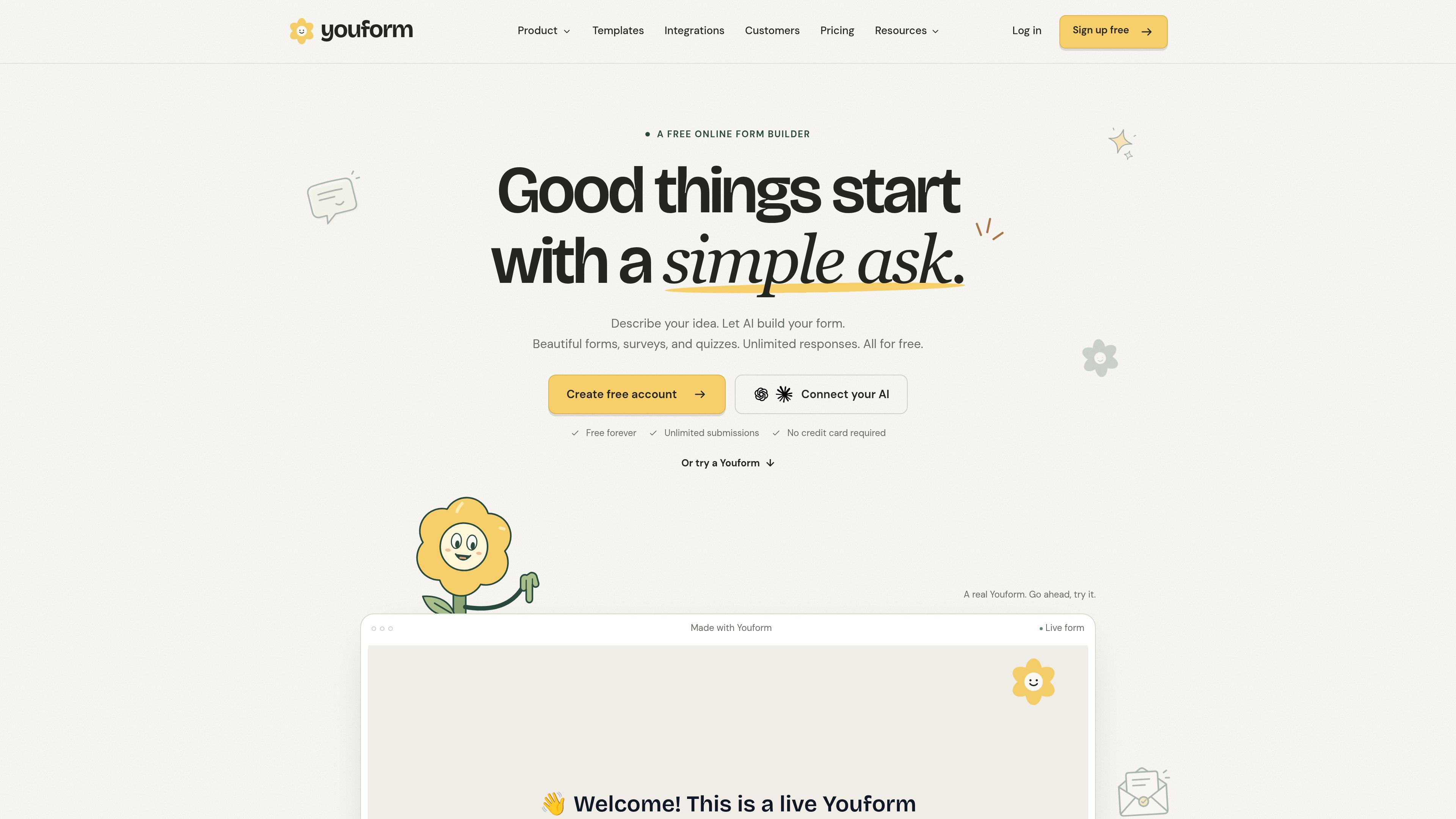
Furthermore, the Tally forms alternative also provides analytics on views and responses. It also has advanced analysis of question drop-off. The platform gives email notifications whenever any new responses come in. It allows you and your team to engage with the audience much more easily. Besides, you can use conditional logic for skipping questions and hidden fields. Youform integrates with Google Sheets, Slack, Notion, Calendly, Zapier, and others.
Key features
- AI-powered form creation from text prompts.
- No-code form editor for easy customization.
- Analytics for tracking views, responses, and question drop-offs.
- Email notifications for new submissions.
- Conditional logic and hidden fields.
- Integrations with Google Sheets, Slack, Notion, Calendly, and Zapier.
Pros
- AI-powered form creation simplifies the form-building process.
- Provides response analytics and conditional logic.
- Supports integrations with popular productivity tools.
Cons
- Advanced features may require a paid plan.
- Integration options may not cover every business tool.
- Customization options may be limited for complex form requirements.
Pricing
Youform has simple pricing plans too. It has different plans for different websites. You can pick the one you need. Here are the pricing plans of Youform:
- Free: $0/month
- Pro: $29/month
- Business: $89/month
FormBold
FormBold is a simple and free form backend platform. It lets you add a submission form to your website using a single URL. You also need no technical knowledge to add a custom submission form to your website. Moreover, the platform offers 250 free submissions on the free plan, no credit card required.

Besides, the Tally forms alternative provides an instant notification whenever a submission is made. You will receive it via email, Slack, Telegram, Notion, or Discord. With the auto-responder, every client of yours gets a confirmation email without any other third-party tool. Not only that, FormBold offers custom redirects. So, you can send your visitors to a thank-you page or any other page you want.
FormBold has built-in spam protection too. So, your responses are protected from any malicious activity. Not to mention, you can export the responses as CSV as well. FormBold allows you to connect your Zapier, HubSpot, or MailChimp account too.
Key Features
- Simple form integration using a single URL.
- Email notifications alert you whenever you get a submission.
- Autoresponders send automatic confirmation emails to users.
- Custom redirects to send users a thank-you or any other page you want.
- Built-in Spam protection blocks malicious submissions.
- Download and export responses in CSV
- Connect forms with Zapier, HubSpot, and Mailchimp.
Pros
- Easy to integrate into websites without building a backend.
- Offers 250 free submissions without requiring a credit card.
- Supports notifications across multiple platforms.
- Includes autoresponders and custom redirects.
- Provides spam protection and CSV exports.
Cons
- Free submission limits may not suit high-traffic websites.
- You need your own HTML form to connect with.
Pricing
FormBold has very fair and affordable pricing for every business. You will always find the right plan for you. Even if you don’t have a budget, you can take the free plan and get started. Here are the pricing plans of FormBold:
- Free: $0/month
- Starter: $8/month
- Premium: $20/month
- Business: $40/month
Forms.app
Forms.app is another of the best alternatives to Tally forms. It is also a simple, free website form builder platform. The platform allows you to create online forms for teams at no cost, forever. You can get unlimited responses, unlimited views, and add unlimited team members. It has 500+ ready-made templates to work with. You can pick one and edit as you go. In this way, you can create your own customized online form.
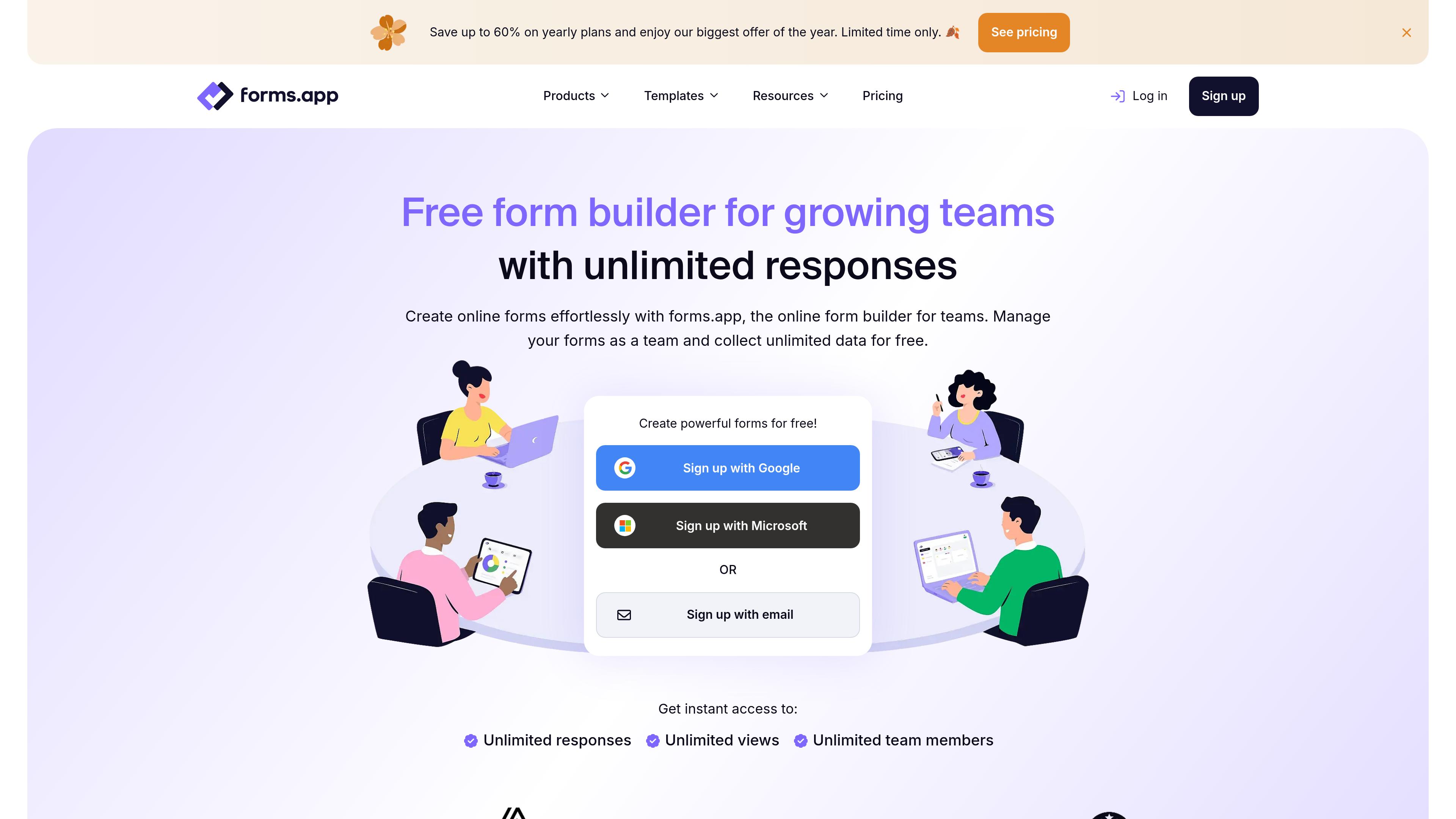
Another thing is that forms.app is actually a general-purpose form builder for quizzes, surveys, and data collection. It also has AI that creates customized forms for your personal or commercial website. Not only that, forms.app has 500+ integrations. It includes Google Drive, Notion, Messenger, and HubSpot. Forms.app allows you to add conditional logic to your form. Thus, you can create a personalized experience in the forms.
Key Features
- AI form builder helps create forms from text prompts.
- Offers 500+ ready-made templates for different needs.
- Drag-and-drop editor makes form customization simple.
- Conditional logic displays questions based on users' answers.
- Response analytics helps track form submissions.
- Integrates with Google Drive, Notion, Messenger, and HubSpot.
Pros
- Supports different types of forms, surveys, and quizzes.
- Offers a visual form-building experience.
- Useful for users who prefer templates to creating forms from scratch.
- Suitable for beginners and nontechnical users.
- Supports team collaboration and shared form management.
- Offers unlimited responses and views on the free plan.
Cons
- Free forms include Forms.app branding.
- File upload limits may restrict some use cases.
- Some features have usage limits depending on the subscription.
Pricing
Forms.app has a free plan for online teams. It also has different paid plans for different needs. Here are the pricing plans of Forms.app:
- Free: $0/month
- Basic: $29/month
- Pro: $39/month
- Premium: $79/month
Jotform
Jotform is another of the best tally form alternatives people use. It is a free form builder with AI. You can build simple and fully functional submission forms for your website and applications. It is a no-code platform. You don’t need any coding knowledge to create or edit your forms. AI will assist and do it for you. To create forms, you can either attach a file or import a URL.

Moreover, Jotform integrates with your other business connections too. You can not only get the responses. But also collect payments with the forms. It has a few ready-made templates to build forms.
Key Features
- AI form builder creates forms from text prompts.
- File uploads and URL imports help create forms from existing content.
- Ready-made templates help you build forms faster.
- Payment collection lets you accept online payments.
- Integrations connect forms with other business tools.
- Analytics helps you track form responses.
Pros
- Supports forms, surveys, and questionnaires.
- Makes form creation easier with AI.
- Offers a few ready-made form templates to build faster.
- Supports online payment collection.
- Connects with popular business tools.
- Easy to use without coding skills.
Cons
- The free plan limits the number of forms and submissions.
- Submission limits may affect growing businesses.
- Some features require a paid plan.
- Paid plans can be expensive for high-volume users.
Pricing
Jotform has different pricing plans too. If you have a good budget, you can take a look and pick the plan you need. Here are the pricing plans:
- Free: $0/month
- Bronze: $39/month
- Silver: $49/month
- Gold: $129/month
- Enterprise: Custom pricing
Google Forms
Google Forms is a free online form builder. It is a product of Google. So, it is free and easy to use. The platform is suitable for small and personal websites. Experts don’t recommend it for commercial or heavy-traffic websites. It is not that Google Forms is bad. If you have a high-traffic website, you may allocate some budget to a better form builder and management platform.
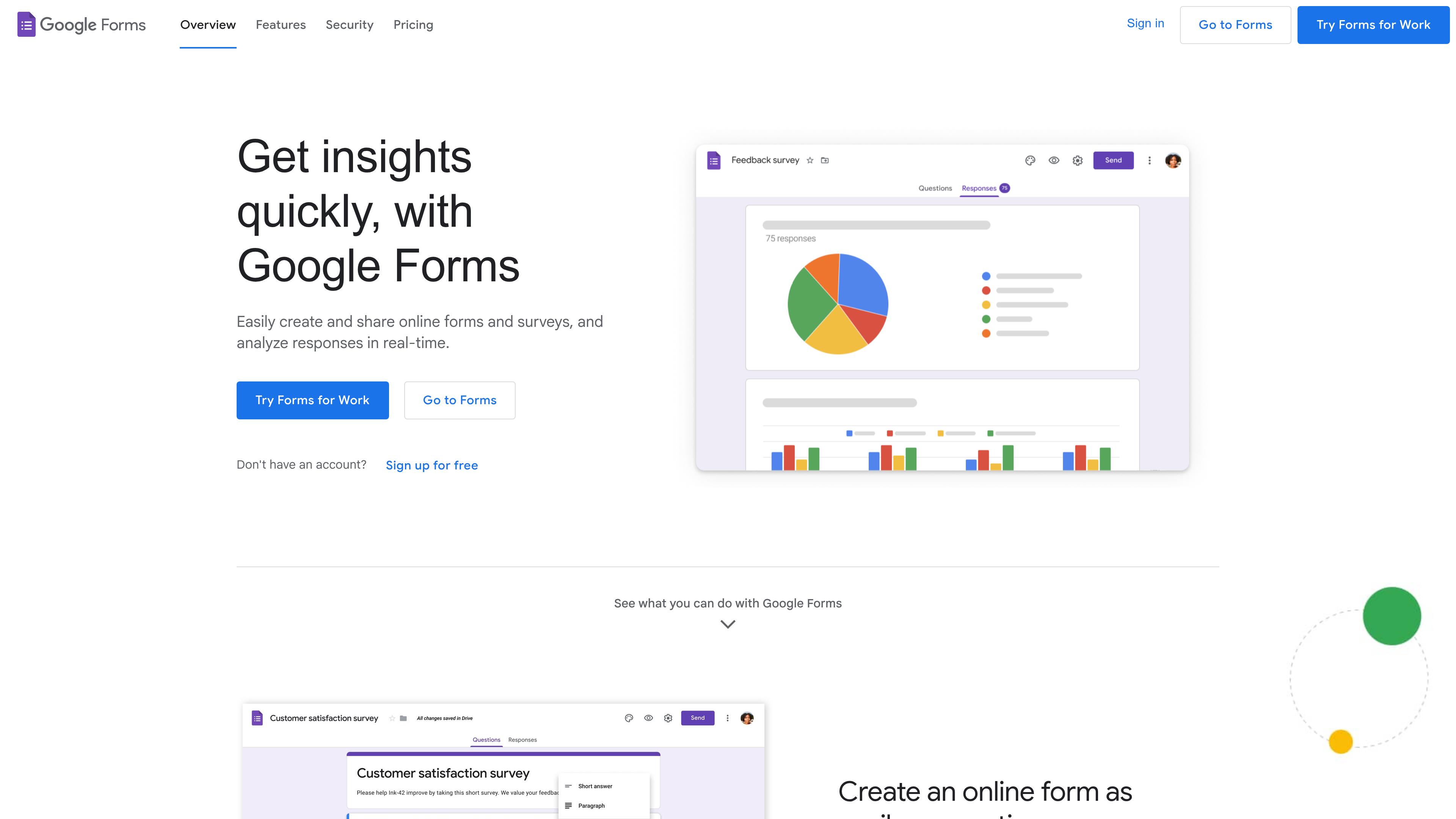
However, Google Forms is a simple platform for creating questionnaires, registration forms, and internal feedback forms. The biggest advantage of Google Forms is its simplicity. Anybody can use it to create submission forms. You can also add conditional logic to your forms. Many small companies even use it to get leads from job applicants.
Key Features
- Easy form creation with different question types.
- Form sharing through links.
- Google Sheets integration for managing responses.
- Templates and theme customization.
- File uploads with supported accounts.
- Conditional logic for showing relevant questions.
- Google Sheets integration for managing responses.
- Response summaries for reviewing answers.
Pros
- Easy to learn and use.
- Good for simple surveys and data collection.
- Connects easily with Google Sheets.
- Useful for teams using Google services.
Cons
- Limited design customization.
- Fewer advanced features than dedicated form builders.
- Not ideal for complex business workflows.
- Offers less control over website form design and functionality.
- Some features depend on account settings.
Pricing
Google Forms is free for personal use with a Google account. Businesses can also access it through Google Workspace plans.
Typeform
Typeform is a SaaS platform for creating engaging forms for your website. It is a simple form builder with AI automation. The platform allows you to create forms with just a prompt. It can create a submission form draft from a text prompt. Thus, the form looks exactly like what your customers need.

Another with that, Typeform offers a conversational, one-at-a-time experience. That’s why your forms look engaging and easy to fill out. It also has a logic jumps option. So, the end screen and follow up questions are based on the answers to previous questions.
Key Features
- AI-assisted form creation from simple prompts.
- Conversational, one-question-at-a-time form layout.
- Conditional logic for personalized question paths.
- Custom themes, colors, and branding.
- Multiple question types for varied needs.
- Embed forms or share direct links.
- Integrations with popular business applications.
- Response analytics to track form performance.
Pros
- Creates engaging, user-friendly forms quickly.
- Offers polished, customizable visual designs.
- AI tools simplify the form-building process.
- Logic adapts questions to user answers.
- Connects with popular business tools easily.
- Great for surveys and lead generation.
Cons
- Paid subscriptions can become quite expensive.
- Advanced features require higher-tier subscriptions.
- Some branding controls need paid plans.
- Not suitable for every form type.
Pricing
Typeform has different paid pricing plans for different teams. The pricing page is very detailed and easy to understand. You will understand what you need just by looking at it. However, here are the pricing plans of Typeform:
- Basic: $28/month
- Plus: $56/month
- Business: $91/month
- Growth Flow: $266/month
How to Choose the Best Tally Forms Alternative
Now you know the best Tally form alternatives for use on your website. You can simply pick one of them and start using it. But we would suggest you be a bit more precise. Here is a checklist of key factors to consider when evaluating Tally Forms alternatives. Look at it and then pick the one that meets your requirements.
What’s your pain point
First, you have to know why you are leaving Tally Forms. It can be anything. Like, you want a better form backend service for free. Or you want to build your forms with AI. Another reason can be that you want a no-hosting platform to create forms without technical knowledge.
Use cases you need
Then look for the use cases or best use of the Tally forms competitors. Some Tally form alternatives like Typeform are best for conversational flow and logic. FormBold is the best for all the use cases with built-in spam protection.
Integrations
Another thing to look at is the platform's integrations. Many alternatives have 3000+ or more integrations. But it doesn't have the tools you need. So, you must check the integrations thoroughly before you purchase.
Layout and Customization
You also need to look at the forms layout and customization. It must have a modern layout and be easy to edit. So, you can make personalized forms without any third-party tools.
Quick recommendations:
- Best for connecting existing website forms: FormBold.
- Best for advanced no-code forms: Fillout.
- Best for free form creation: Youform.
- Best for simple surveys: Google Forms.
- Best for conversational forms: Typeform.
Final Words
Tally Forms alternatives offer a better and simpler way to create submission forms for your website. You can use AI or the no-code builder to collect responses and even payments. It is most useful for small businesses and startups. The alternatives are mostly budget-friendly and offer a free version too.
You can choose the best option based on your needs. Like, use Fillout forms for advanced customization. And if you need a simple, free solution, Youform is a good option. But if you need a winner and a one-stop solution, FormBold is the one to pick.
FormBold is free to use and builds forms with AI. It also has ready-made templates and built-in spam protection. However, you can use the free version to explore and even use it forever.