grid-border

Web Form to Telegram - Telegram Integration

Receive your website form submissions as Telegram messages on your phone or desktop. Start a chat with the FormBold bot, verify the connection, and each new submission arrives with its full details.

Telegram

Integration Overview

The Telegram integration sends each form submission to Telegram as a message. You can receive it in your own chat or in a group your team shares.

FormBold provides the bot. You do not need to create one with BotFather, copy a bot token, or look up a chat ID.

It works with plain HTML forms, static sites, and apps built with Next.js, React, Vue, or Angular.

How It Works

  1. A visitor submits your form.
  2. FormBold runs its spam checks and allowed-domain rules.
  3. If the submission passes, FormBold saves it to your dashboard and the FormBold bot sends it to your Telegram chat or group.
  4. Telegram notifies you with a message that lists the submission details.

If Telegram does not accept a delivery, FormBold retries it automatically. Email notifications and other integrations keep running.

How to Connect Your Form to Telegram

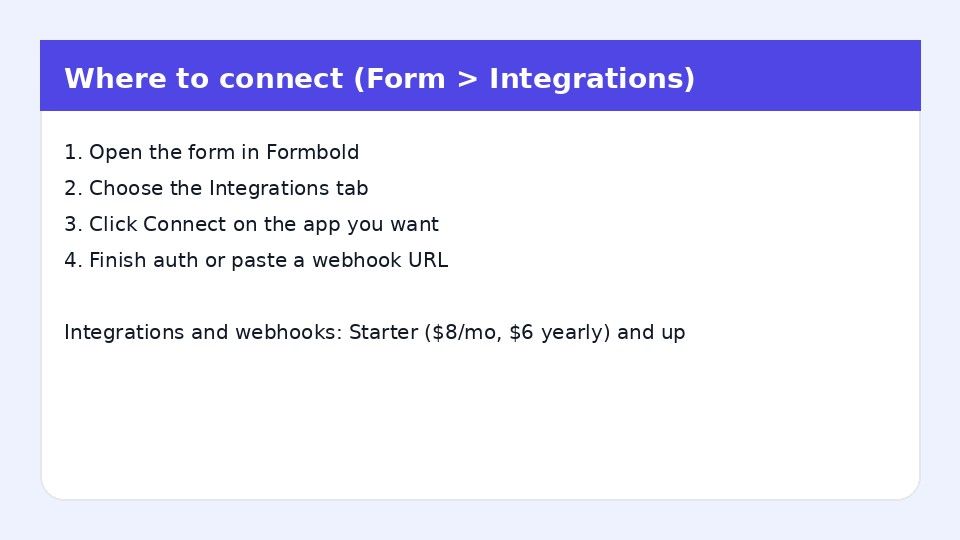
  1. Open your form in FormBold and go to the Integrations tab.
  2. Click Telegram.
  3. Open the FormBold Telegram bot link shown on screen, or find the bot in Telegram and start a chat.
  4. Send /start, or follow the pairing code prompt on screen. This links your chat to your form.
  5. To use a group instead, add the FormBold bot to the group and allow it to post messages.
  6. Return to FormBold and click Verify Connection.

To test it, submit an entry from your website. Your Telegram app should show a message with the submission details.

Common Uses

  • Lead alerts on your phone: Freelancers and small businesses see new inquiries right away, even away from a computer.
  • Order and booking requests: Get notified when a customer books or orders through your site.
  • Team group alerts: Send submissions to a shared group so anyone on the team can respond.
  • Personal and side projects: Get contact form messages without setting up an email inbox.

Frequently Asked Questions

How do I send website form submissions to Telegram?

Point your form to FormBold, open the Telegram integration, start a chat with the FormBold bot, and verify the connection.

Do I need to create my own bot with BotFather?

No. FormBold provides the bot. You only start a chat with it.

Do I need to find my chat ID?

No. Sending /start or entering the pairing code links your chat for you.

Can I send submissions to a Telegram group?

Yes. Add the FormBold bot to the group and give it permission to post messages.

Do spam submissions reach Telegram?

No. FormBold checks each submission for spam before it sends anything to Telegram.

Start building automated forms in 60 seconds

No backend required. Just paste your endpoint and start receiving leads, messages, and submissions immediately.