

Jotform is a drag-and-drop form builder platform. It helps you build interactive forms in minutes. But the high price and a complex interface are the parts everyone hesitates about. Then they start looking for the best Jotform alternatives. The alternatives offer better value, security, and submission management.
The alternatives to Jotform help businesses build submission forms and surveys. But each platform has a unique side too. The platforms provide better customization, management, security, and other features you need.
In this blog, I will share the 8 best Jotform alternatives for businesses and startups. You can check the brief overview and features. It will help you find the right alternative for your business.
What Is Jotform?
Jotform is a simple, no-code form builder for various websites. It has a drag-and-drop feature. So, you can create any form without any hassle or hard work. It offers easy and simple features that all other form builder websites have. You can add conditional logic to the forms. Hence, your forms will be customized based on your customers' or clients' previous answers.
Moreover, Jotform functions as an all-in-one data collection and workflow automation platform. It connects with your tools and apps. So, you can automate your business tasks easily. Jotform also has a Unique ID widget to add a custom or invoice number. It also has a built-in duplicate control. So, you can control spam submissions for your applications or websites.
Why Look for a Jotform Alternative?
Jotform is a good form builder platform. But obviously it can’t meet the requirements for all businesses. Some businesses need better backend, some need better pricing. That’s why businesses look for better alternatives to Jotform. Here are the reasons people look for Jotform alternatives:
- High Pricing: Jotform can be expensive if your submission volume and team size grow. So, businesses that want to reduce costs need to find more affordable options.
- Limited Free Plan: Jotform's free plan allows up to 5 forms, 100 monthly submissions, and 100 MB of storage. Thus, it limits businesses that run multiple campaigns or collect responses regularly.
- Complex Interface: Jotform offers a range of basic and advanced features. But its interface can feel complex and hard to get for beginners. Most users prefer a clean and simple form builder.
- Limited Design Flexibility: Another issue is that some businesses want more control over their form layouts, branding, and user experience. Jotform offers basic control over the design and branding.
- Advanced Security and Compliance: High-traffic businesses in certain industries need specific security controls, e-signatures, and compliance features. So, they must go for better-backed management and form builder platforms.
Our Picks
- The Best Alternative to Jotform: Formbold.
- Best for Free Form Submissions: Tally Forms.
- Best for No-Code Customization: Fillout.
- Best for Creating Surveys: Google Forms.
- Best for Payments and Branding: Paperform.
- Best for CRM and Workflow Integration: Zoho Forms.
Best Jotform Alternatives - At a Glance
| Tool | Best For | Form Builder Type | Key Features | Starting Price |
|---|---|---|---|---|
| Tally Forms | Free form creation | No-code, Notion-style | Unlimited submissions, conditional logic, custom CSS | $29/month |
| FormBold | Form backend and submission management | Form backend service | Spam protection, notifications, autoresponders | $8/month |
| Typeform | Interactive surveys | Conversational form builder | One-question-at-a-time design, branching, AI creation | $39/month |
| Google Forms | Simple surveys and questionnaires | No-code form builder | Google Sheets integration, templates, conditional logic | Free |
| Fillout Forms | Advanced form customization | Drag-and-drop builder | Conditional logic, answer piping, calculated fields | $19/month |
| Paperform | Payments and order forms | Document-style form builder | AI form creation, payment collection, automation | $59/month |
| Zoho Forms | Business workflows | Drag-and-drop builder | CRM integrations, approvals, payment collection | $12/month |
| WPForms | WordPress websites | WordPress form plugin | 2,100+ templates, spam protection, conditional logic | $99/year |
The Best Jotform Alternatives for Businesses
Below, I have shared the overview, benefits, and drawbacks of each of the best alternatives to Jotform. So, you can take a look and instantly know if it meets your requirements. I have also mentioned the price and a quick recommendation.
Tally Forms
Tally Forms is a free alternative to Jotform. It is a no-code form builder without drag-and-drop. You can build your website forms without any technical knowledge. Moreover, Tally Forms allows you to build forms like Notion. It has an interface and functionality like the Notion editor. You can start with the slashes (/) and write whatever form type you want. Instantly, you will see the menu to choose a form. You can start with questions, headings, or other layout blocks.
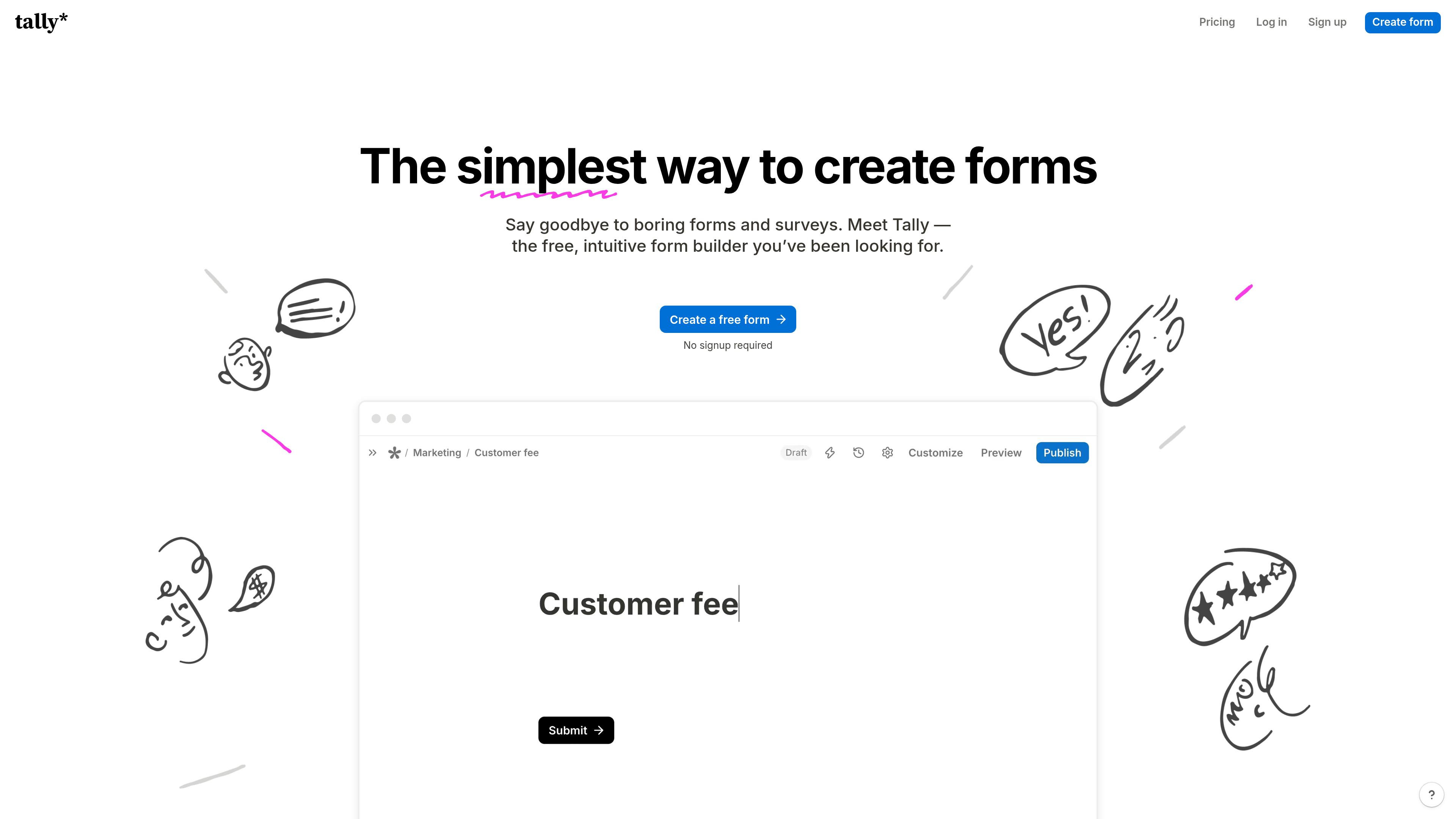
Furthermore, Tally Forms allows you to add custom CSS and use any custom subdomain. It will remove the Tally Forms branding and replace it with your own. Not only that, you can connect it with the apps you use. Tally Forms integrates with Notion, Google Sheets, Slack, Airtable, and many more. You can add conditional logic too. However, if you have already used Tally Forms and are looking for other options, you can explore the best Tally Forms alternatives as well.
Key Features
- Notion-style, no-code form editor.
- Unlimited forms and submissions
- Conditional logic to create dynamic forms.
- Custom CSS and custom domain support.
- File uploads and payment collection.
- Form templates for different use cases.
- Integrations with Google Sheets, Slack, Notion, Airtable, and Zapier.
- Embed forms directly into websites.
- Respondent notifications and email integrations.
- Submission management and form analytics.
Pros
- Easy-to-use editor without any technical knowledge.
- Supports conditional logic.
- Offers multiple integrations with third-party tools.
- Customization options for branding and form design.
Cons
- Does not have a traditional drag-and-drop editor.
- Advanced branding options require a paid plan.
- Limited advanced team and enterprise features.
Pricing
Tally Forms offers a very good and affordable pricing plan for users. The free plan includes unlimited form creation and submissions within the fair usage guidelines. Not only that, it has different paid plans for different business needs. Here are the pricing plans of Tally Forms:
- Free: $0/month
- Pro: $29/month
- Business: $89/month
Fillout Forms
Fillout Forms is another of the best Jotform alternatives. It is a simple platform with a modern interface to create interactive forms. Most importantly, you don’t need any coding knowledge for that. You can simply drag and drop the features you need in your forms. Moreover, it integrates with other business tools. It includes Google Sheets, Airtable, HubSpot, Notion, and many more.

Besides drag-and-drop, you can also add custom CSS to create forms. You can customize your forms as you want. It gives you full freedom for better branding and editing. Again, Fillout Forms offers advanced features such as conditional logic and answer piping. You can also add multi-step branching and built-in calculations.
Key Features
- Drag-and-drop form builder.
- Custom CSS and form branding.
- Conditional logic and multi-step branching.
- Answer piping and calculated fields.
- Ready-made form templates.
- File uploads and payment collection.
- Integrations with Airtable, Notion, HubSpot, and Google Sheets.
- Website embedding and sharing options.
- Automated workflows and response management.
Pros
- Easy-to-use drag-and-drop editor.
- Advanced conditional logic.
- Flexible form customization.
- Supports multiple third-party integrations.
Cons
- Some advanced features require paid plans.
- The number of features may feel overwhelming for beginners.
- Pricing can increase as submission and usage needs grow.
Pricing
Some experts also refer to Fillout Forms as a free Jotform alternative because of the free plan. However, it also has other paid plans. If the free plan doesn’t meet your requirements, you can look for the paid plans. Here are the pricing plans for Fillout Forms:
- Free: $0/month
- Starter: $19/month
- Pro: $49/month
- Business: $89/month
- Team: $250/month.
Paperform
Paperform is a no-code online form builder platform. It is another of the best Jotform alternatives, too. You can build forms with the help of AI. All you need is just a few prompts to create the forms. You can pick the categories and describe what you need. AI will create it in only 4 steps. Along with that, Paperform has a document-first editor too. If you want to add more features, you can simply add them to your forms.
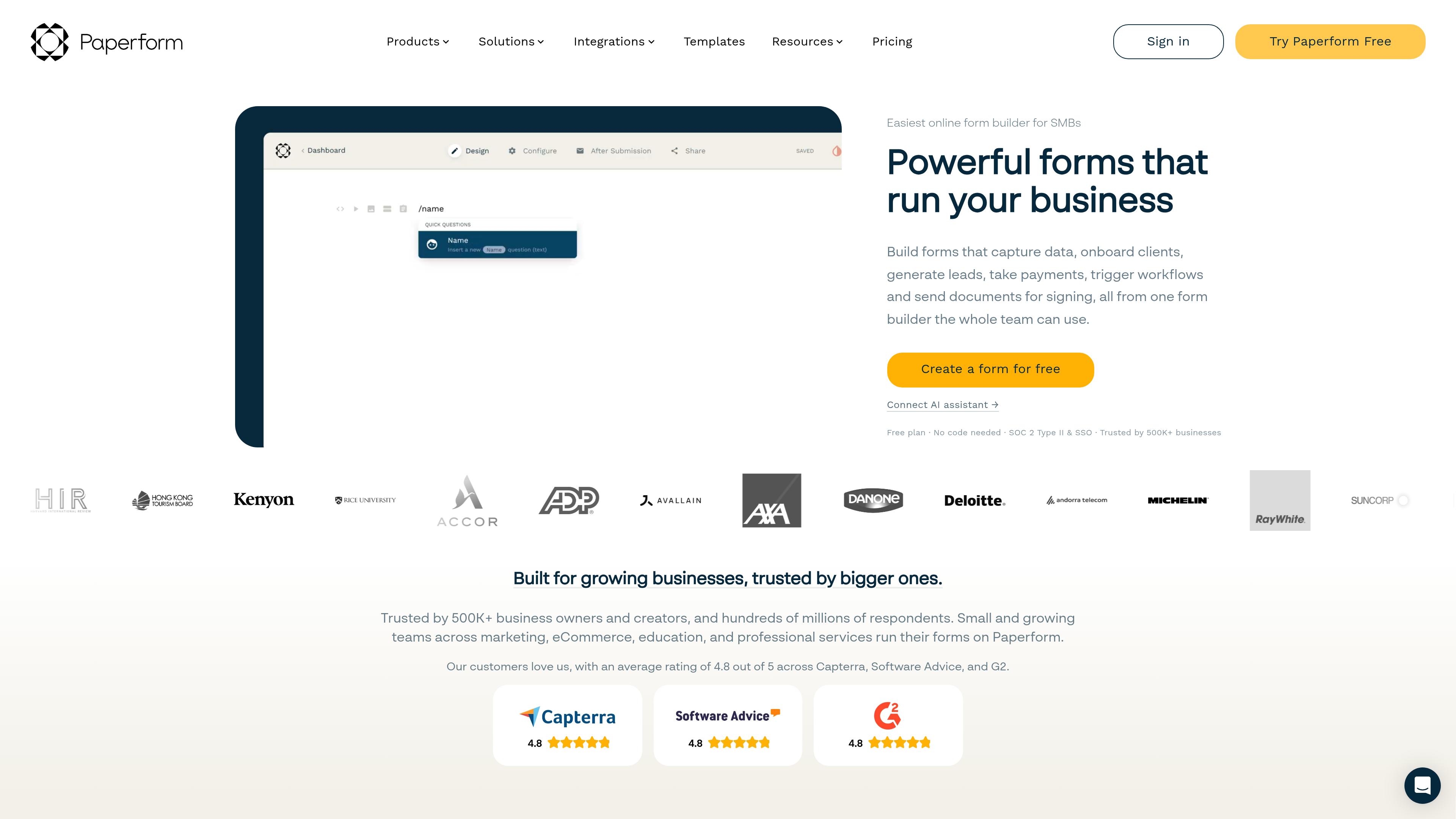
Furthermore, Paperform has a built-in e-commerce system. It accepts payments securely through the forms. That’s why the forms are connected with Stripe, PayPal, Square, and Google Pay. You can also add conditional logic to provide better, more customized responses. Then, Paperforms has built-in automation workflows with Zapier and Make integrations.
Key Features
- AI-powered form creation.
- Document-style form editor.
- Custom themes, layouts, and branding.
- Conditional logic and customized form flows.
- Payment collection through Stripe, PayPal, Square, and Google Pay.
- Product listings and order forms.
- Workflow automation with Zapier and Make.
- File uploads and appointment booking.
- Form analytics and submission management.
Pros
- Easy form creation with AI.
- Flexible design and customization options.
- Built-in payment collection.
- Supports advanced conditional logic.
- Useful for e-commerce and business workflows.
Cons
- Paid plans can be expensive for small businesses.
- Some advanced features are available only on higher-tier plans.
Pricing
Paperform also has a few affordable pricing plans like other form builder platforms. You can look at your business needs and pick the one you need easily. Here are the pricing plans of Paperform:
- Free: $0/month
- Pro: $59/month
- Business: $149/month
- Enterprise: Custom pricing
Zoho Forms
Zoho Forms is another free online form builder and alternative to Jotform. It allows you to collect information with simple yet interactive forms. The platform also helps you manage different workflows of your business. Besides, Zoho Forms is a part of the Zoho ecosystem. Thus, it works comfortably with Zoho applications. Along with the interactive forms, you can collect leads and do registrations. Not only that, you can collect feedback, employee requests, and survey answers.
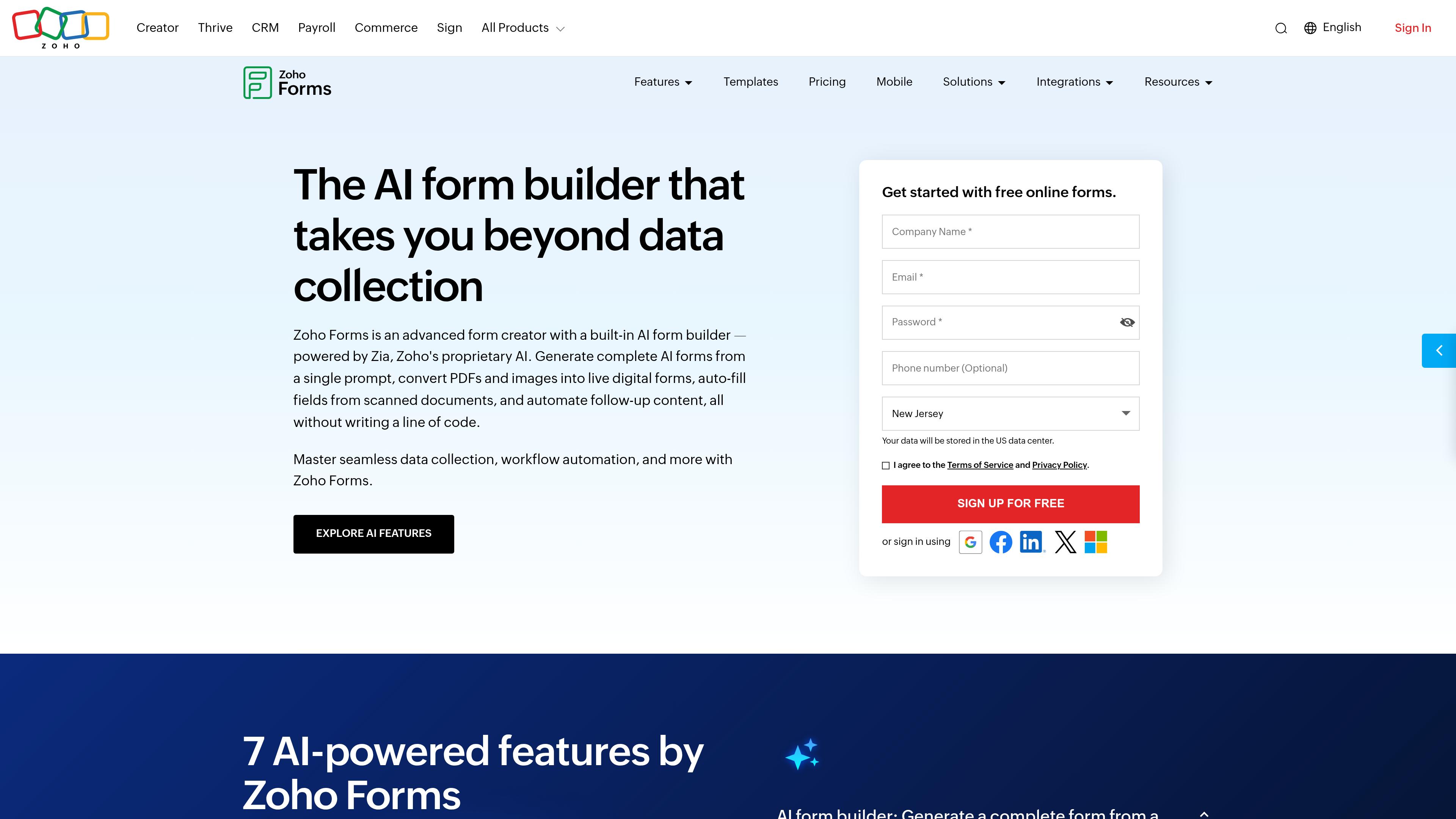
Another feature is its drag-and-drop builder. It allows you to build the forms without any coding knowledge. In the forms, you can also add conditional logic. So, each question will be tailored to the previous answers. Also, the questions stay relevant to the user's answers.
Key Features
- Drag-and-drop form builder.
- Conditional logic and field rules.
- File uploads and digital signatures.
- Payment collection through multiple gateways.
- Integrations with Zoho apps, Google Sheets, and Zapier.
- Automated email and SMS notifications.
- Form analytics and customizable reports.
- Workflow automation and approval processes.
Pros
- Beginner-friendly form editor.
- Works smoothly with other Zoho applications.
- Supports payments and workflow automation.
- Offers advanced submission management features.
Cons
- Custom branding requires a paid plan.
- Some advanced features are available only on higher-tier plans.
Pricing
Zoho Forms has simple pricing too. It also has a free plan to explore form submissions. If it meets your requirements, you can upgrade to paid plans later. Here are the pricing plans of Zoho Forms:
- Free: $0/month
- Basic: $12/month
- Standard: $30/month
- Professional: $60/month
- Premium: $110/month
WPForms
WPForms is one of the best alternatives to Jotform. It is a simple WordPress form builder. If you are not a coder, you will love the simple drag-and-drop editor too. It allows you to easily build all kinds of forms. You can create contact, registration, survey, and payment forms. All you have to do is drag the forms into your site or create and customize them in your WordPress dashboard.
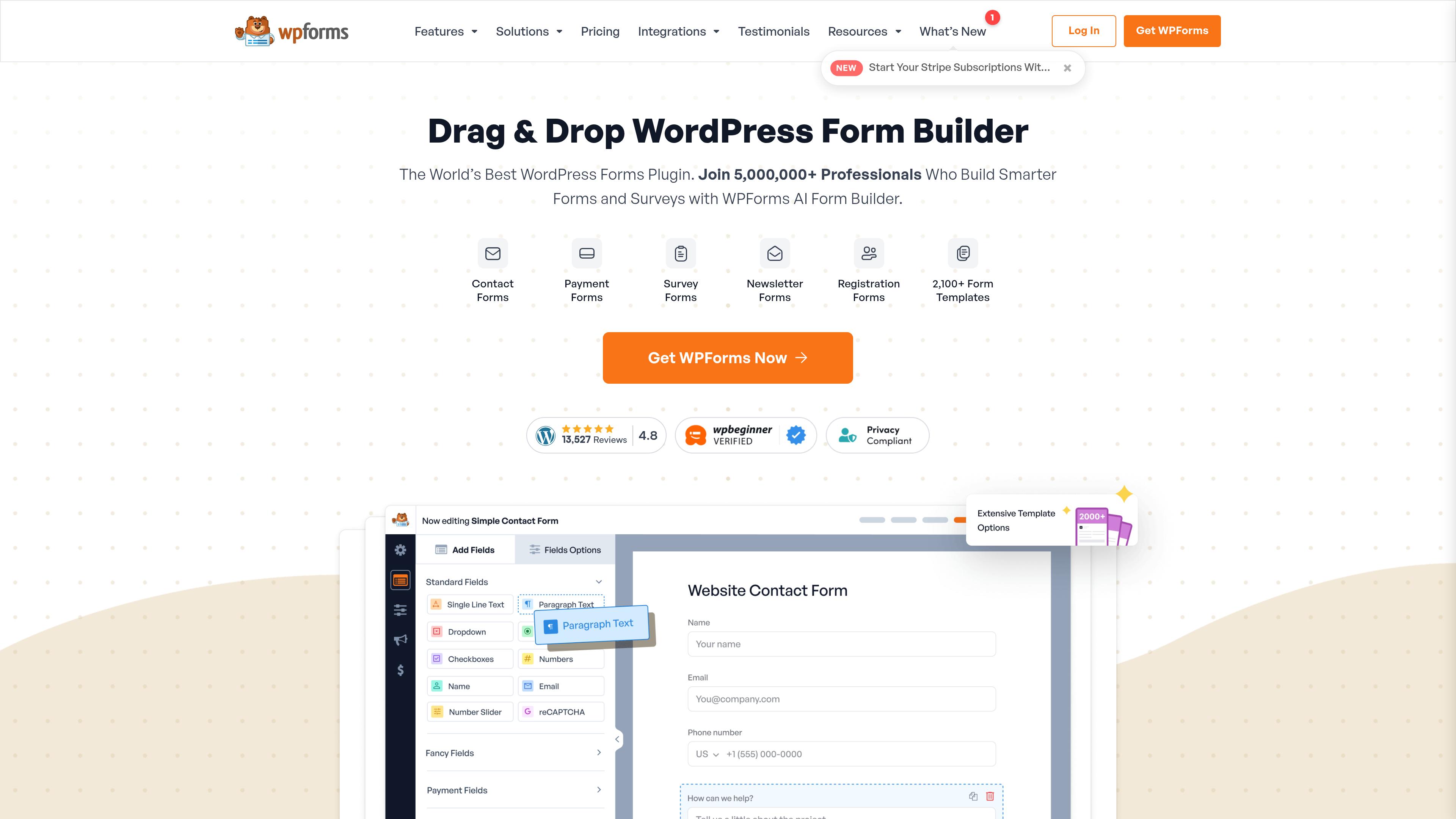
To be honest, WPForms also comes with some great features, like those of other traditional form builder platforms. It has conditional logic, spam protection, file uploads, and automatic email notifications. It also integrates with many third-party tools. The platform connects with Google Sheets, Mailchimp, Slack, and HubSpot. So if you have a WordPress site and want to make sure everyone submitting forms on your site does so effortlessly, WPForms is the way to go!
Key Features
- Drag-and-drop form builder.
- 2,100+ pre-built form templates.
- AI-powered form creation.
- Smart conditional logic.
- Multi-page and conversational forms.
- File uploads and digital signatures.
- Built-in spam and CAPTCHA protection.
- Payment collection through Stripe, PayPal, and Square.
- Integrations with Google Sheets, Mailchimp, Slack, and HubSpot.
- Form analytics and submission management.
Pros
- Beginner-friendly drag-and-drop editor.
- Easy WordPress integration.
- Large collection of form templates.
- Supports conditional logic and payment collection.
- Multiple customization options.
Cons
- Only works with WordPress websites.
- Advanced features require paid plans.
- Some integrations are limited to higher-tier plans.
- No standalone hosted form builder.
Pricing
WPForms has both simple and detailed pricing plans. However, the pricing might not be within budget for small businesses. But if you have a high-traffic WordPress website, you can use the paid plans. Here are the pricing plans of WPForms:
- Basic: $99/year
- Plus: $199/year
- Pro: $399/year
- Elite: $599/year
Final Words
The best Jotform alternatives don't limit you in your operations. They meet your needs and requirements. So, you can build interactive forms with better security and control. However, no one platform can meet all a business's requirements. That's why we have shared different platforms for different needs. You must have a clear idea of which one you need.
But if you still need one winner, it will be Formbold. Formbold manages and protects your forms all at once. Other alternatives to Jotform, such as Tally Forms and Fillout Forms, can be a good fit for your business as well. So, before choosing, look at the features, benefits, drawbacks, and your budget. It will help you find the right one.