

A reliable form backend makes it easy to collect and manage form submissions. Formspree does this well. But its submission limits, pricing, and other restrictions lead many businesses to look for Formspree alternatives.
These alternatives are built for developers and business owners. Some connect to your existing HTML forms. Others let you build forms with a drag-and-drop builder. Some even let you run everything on your own server.
In this article, I have gathered the 7 best Formspree alternatives for 2026. I cover the features, pros, cons, and pricing of each one. So you can quickly find the best fit for your business and budget.
What is Formspree?
Formspree is a hosted form backend service. It lets developers and businesses collect form submissions without building their own infrastructure. You point the action attribute of your HTML <form> tag to a unique Formspree endpoint URL. Formspree then handles email notifications and auto-responses.
Formspree also connects with business tools like Slack, Asana, and Google Sheets, which makes submissions easier to manage. It has built-in spam protection too, so you can block bots without adding a CAPTCHA service. You can also filter responses.
How to Choose the Best Formspree Alternative
Formspree works well for many businesses, but it is not the right fit for everyone. Here are the main reasons people switch, and what to check in an alternative:
Submission Limits
If your website gets a lot of submissions, the free plan won't cover them. You will need a paid plan, which may not fit your budget.
Pricing
Recurring subscriptions can be hard for small businesses to justify. Many look for cheaper plans or one-time payment options.
File Uploads
If you collect resumes, applications, or documents, you need reliable file upload support with flexible options.
Spam Protection
Contact forms attract automated spam. Strong built-in spam filtering is now a must for any form backend.
Integrations
Some businesses need webhooks, automation tools, or a connection to their existing CRM.
Data Management
Larger teams need more control over how submissions are stored, kept, and exported.
Formspree Alternatives at a Glance
| Formspree Alternative | Best For | Key Features | Free Plan | Starting Price |
|---|---|---|---|---|
| Formbold | Form backend with advanced spam protection | Spam filtering, notifications, auto-responders, integrations | 250 submissions/month | $8/month |
| Forminit | Headless form API | File uploads up to 25 MB, webhooks, REST API | 1 form, 100 submissions/month | $19/month |
| Formbricks | Open-source surveys | In-app and website surveys, conditional logic, self-hosting | Free self-hosted | See pricing page |
| Jotform | No-code drag-and-drop forms | Templates, AI form creation, payments, e-signatures | Limited submissions | $39/month |
| Web3Forms | Simple email-based form backend | Honeypot and CAPTCHA, Google Sheets, Slack, Telegram | 250 submissions/month | $9/month |
| Formsubmit | Free HTML-to-email forms | AJAX, reCAPTCHA, file attachments up to 10 MB | Unlimited forms and submissions | Free |
| Formspark | One-time payment | Spam filtering, webhooks, CSV and JSON exports | 250 submissions | $25 one-time |
Top Formspree Alternatives for Businesses
Below are the best Formspree alternatives for businesses, developers, and designers. The list covers both hosted and self-hosted options, with a full overview of each.
Formbold
Formbold is the best Formspree alternative for businesses. It is a form backend platform that connects to any form, including HTML, React, Vue, and AI-made forms. Developers can collect submissions without writing their own form-processing logic.
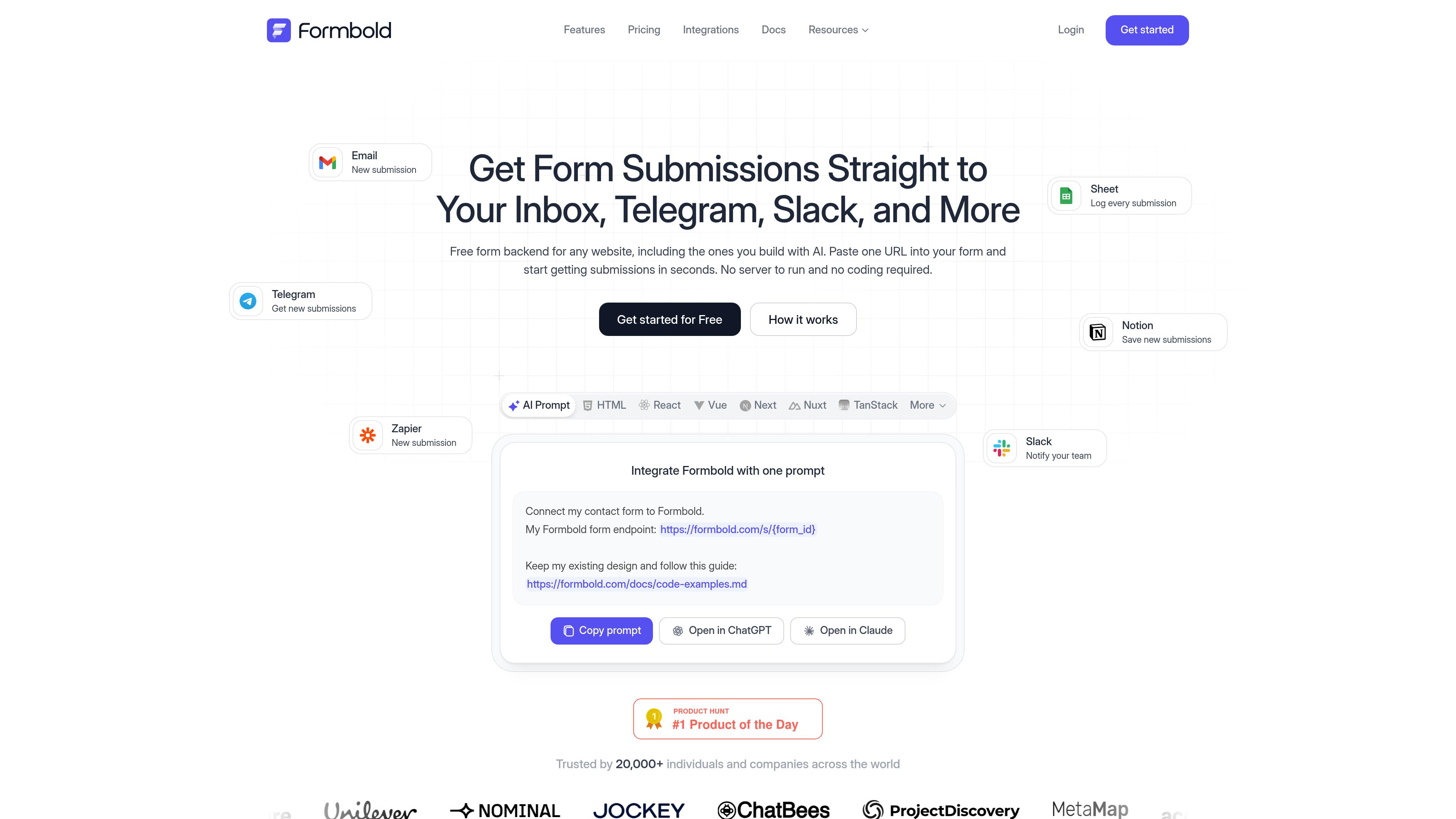
Formbold also connects with tools like Telegram, Slack, and Notion. Turn on notifications to get an alert for every new response. You can also turn on auto-responders to send a thank-you or confirmation email to each person who submits a form.
Like Formspree, Formbold has built-in spam protection. But Formspree uses a basic spam filter, while Formbold uses an advanced one. It filters marketing spam, adult content, abusive language, fraud and scams, disposable emails, and more. Your forms stay protected even without an extra CAPTCHA service.
Key Features
- Easy file uploads and team collaboration.
- Supports HTML, React, Vue, and AI-made forms.
- Collects and manages submissions from one dashboard.
- Instant notifications and auto-responders.
- Connects with Telegram, Discord, Slack, and Notion.
- Built-in spam filter with optional CAPTCHA protection.
- Integrates with Zapier, Make, and HubSpot.
Pros
- Free plan includes 250 submissions per month.
- Works with many website builders and frontend frameworks.
- Easy form management without building a backend.
- Supports multiple notification and automation integrations.
Cons
- No traditional drag-and-drop form builder.
- Some advanced features are only on paid plans.
- Custom form setup may need some technical knowledge.
Pricing
Formbold offers simple, affordable plans for different needs. Here are the pricing plans for Formbold:
- Free: $0/month
- Starter: $8/month
- Premium: $20/month
- Business: $40/month
Forminit
Forminit, formerly Getform, is a headless form backend API service. It lets you collect and manage form responses from one platform, which makes it a solid Formspree alternative. You can design forms however you like. But it has no built-in templates or drag-and-drop builder, so you build your forms first and then connect them to Forminit.
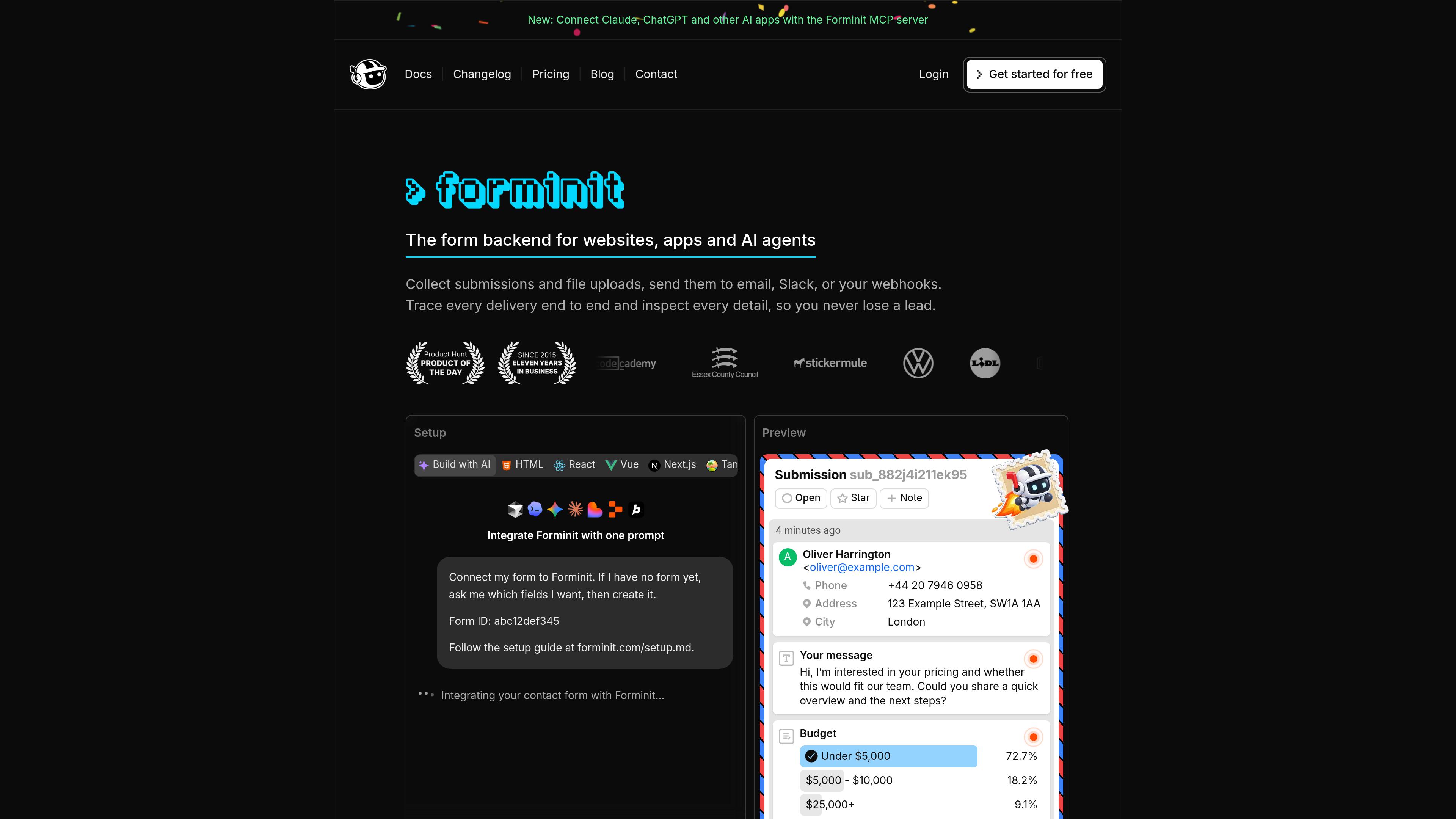
Forminit works with HTML, React, and static site forms. You point your form to your Forminit endpoint, and it handles the rest. Users can upload files up to 25 MB. It also has built-in spam protection, so you don't need an extra CAPTCHA service.
Key Features
- Works with HTML, React, Next.js, WordPress, and static websites.
- Supports file uploads up to 25 MB.
- Blocks spam with built-in protection.
- Sends email alerts for new submissions.
- Lets users view, search, and manage submissions.
- Sends automatic confirmation emails.
- Connects with Google Sheets, Slack, Discord, and Zapier.
- Supports webhooks and a REST API.
- Allows custom forms using HTML and CSS.
- Tracks submissions, visitor locations, and traffic sources.
Pros
- Easy to connect with different websites.
- No need for a separate backend server.
- Provides email alerts and automatic replies.
- Connects with popular third-party tools.
- Gives you full control over form design.
Cons
- No drag-and-drop form builder.
- Requires basic coding skills to create forms.
- Free plan allows only 1 form and 100 submissions per month.
- Not ideal for users who want to build forms without coding.
Pricing
Forminit has three simple plans. Here are the pricing plans for Forminit:
- Free: $0/month
- Pro: $19/month
- Business: $99/month
Formbricks
Formbricks is an open-source experience management and survey platform. It lets you create surveys and manage them from a dashboard. Its privacy focus makes it a popular alternative to both Formspree and Typeform.
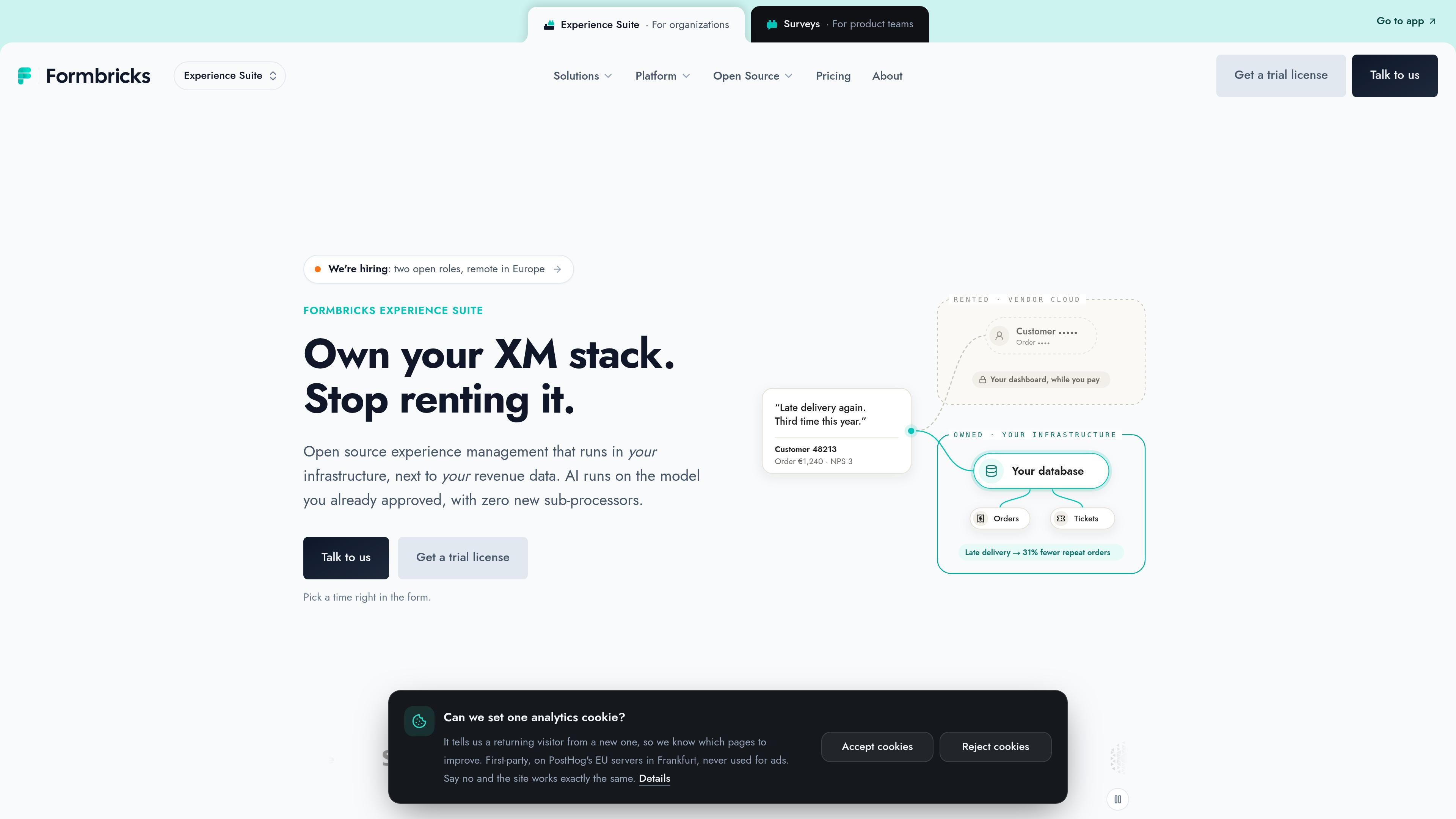
Formbricks supports in-app, website, email, and link-based surveys. You can share surveys through email campaigns, website pop-ups, and in-product widgets. You can self-host it with Docker, and it is licensed under AGPLv3.
Key Features
- Open-source survey builder with multiple question types.
- In-app, website, email, and link-based surveys.
- Conditional logic and survey targeting.
- Custom survey designs and templates.
- Real-time response management.
- Integrations with Slack, Notion, Zapier, and n8n.
- API access and webhooks.
- Self-hosting with Docker.
Pros
- Open-source and privacy-focused.
- Free self-hosted version with no subscription required.
- Supports both website and in-app surveys.
- Offers a no-code survey editor.
- Gives businesses more control over their survey data.
Cons
- Self-hosting requires some technical knowledge.
- Can be more complex than a basic form backend.
- Some advanced features require a paid Enterprise license.
Pricing
The self-hosted version of Formbricks is free to run with Docker. Paid plans are also available for teams that want advanced features or a version managed by Formbricks. Check the Formbricks pricing page for current rates.
Jotform
Jotform is a top Formspree alternative for small businesses. It is a no-code form builder that also lets you manage responses from one dashboard. You build forms with a drag-and-drop editor or start from a ready-made template.
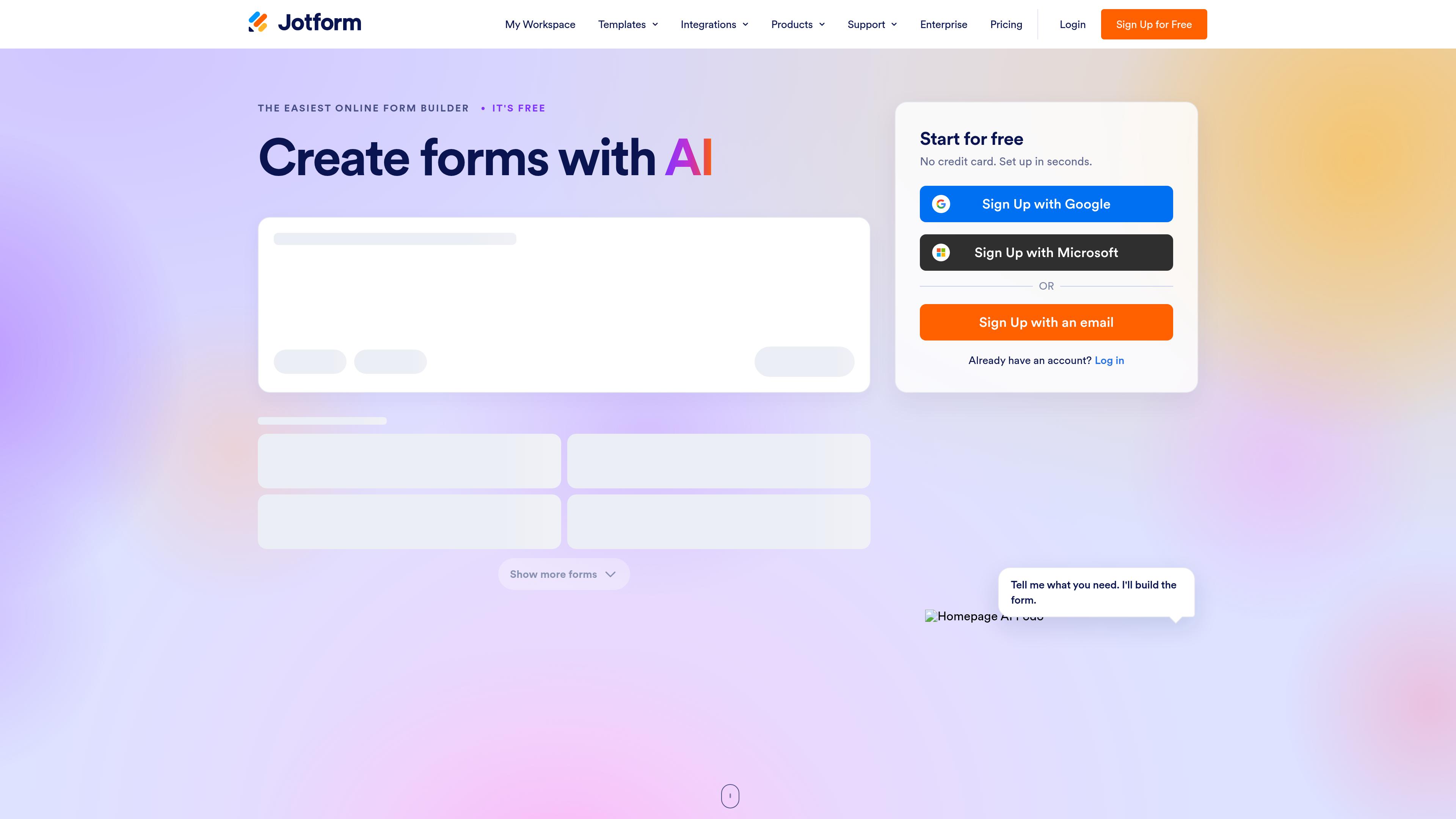
Jotform can also create forms from an AI prompt. It offers AI-powered workflow automation, a Unique ID widget for custom invoice numbers, and built-in duplicate submission control.
Key Features
- Drag-and-drop form builder with customizable fields.
- AI-powered form creation from text prompts.
- Ready-made form templates.
- Submission management and analytics.
- Unique ID widget for invoice numbers and reference IDs.
- Duplicate submission prevention.
- Conditional logic and multi-page forms.
- Payment collection and e-signature support.
- Workflow automation and third-party integrations.
- Email notifications and autoresponders.
Pros
- Easy to build forms without coding.
- Thousands of ready-made templates.
- AI helps create and customize forms.
- Supports payment collection and workflow automation.
- Integrates with many business tools.
- Includes a free plan for beginners.
Cons
- Free plan has a limited number of monthly submissions.
- Jotform branding appears on free-plan forms.
- Advanced features and higher limits require paid plans.
- The interface can feel overwhelming for beginners.
Pricing
Jotform has plans for businesses of different sizes. Here are the pricing plans for Jotform:
- Starter: $0/month
- Bronze: $39/month
- Silver: $49/month
- Gold: $129/month
- Enterprise: Custom pricing
Web3Forms
Web3Forms is a hosted form backend that sends form responses straight to your email. You don't need a server, PHP code, or a database. Like Formbold, it offers a free plan with 250 submissions per month.
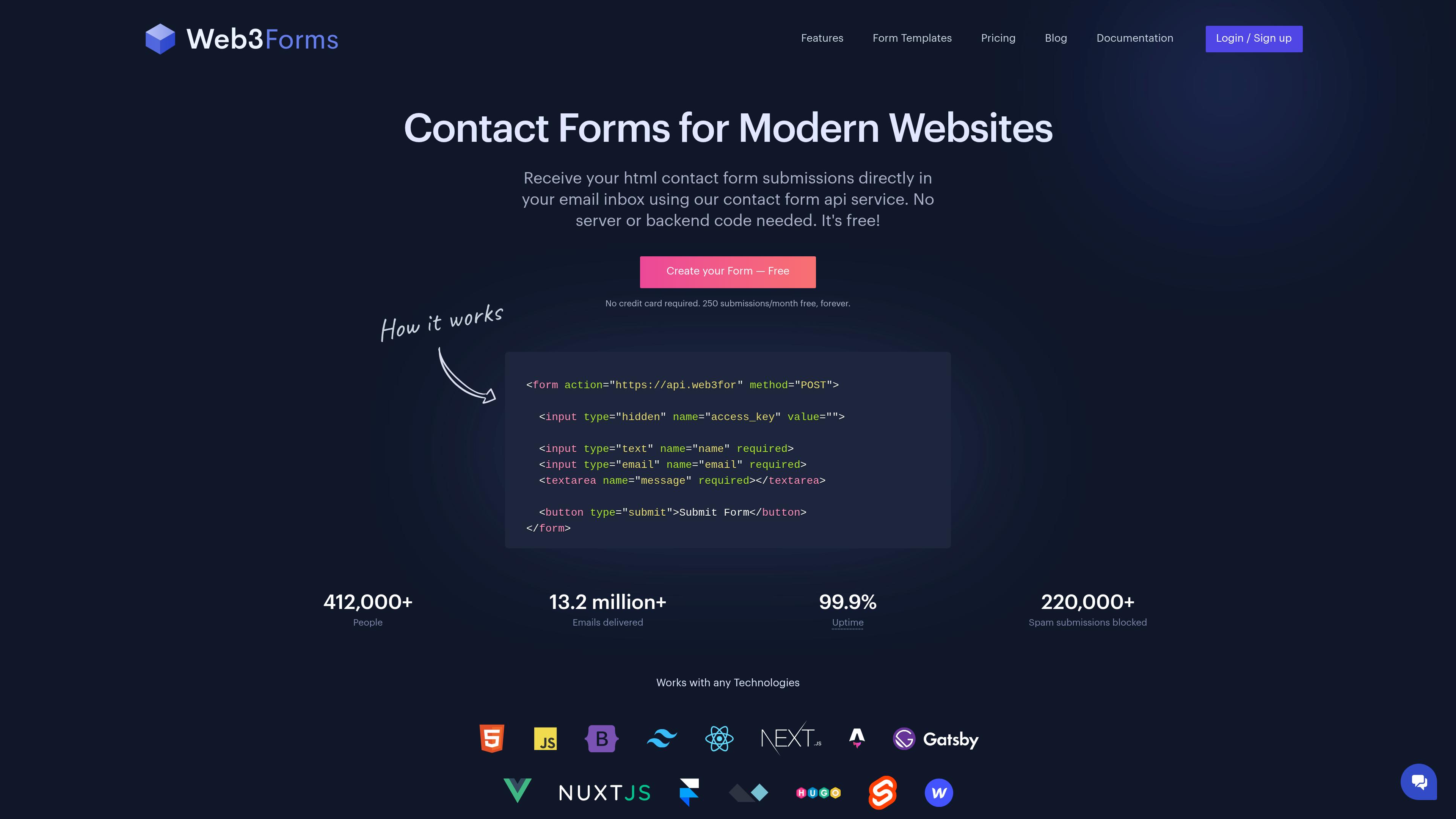
Web3Forms supports honeypot and CAPTCHA spam protection to block malicious submissions. It also integrates with Google Sheets, Slack, Discord, and Telegram.
Key Features
- Hosted form backend with direct email notifications.
- No server, PHP code, or database required.
- 250 free submissions per month.
- Spam protection with honeypot and CAPTCHA.
- Integrations with Google Sheets, Slack, Discord, and Telegram.
- Supports contact and feedback forms.
Pros
- Free plan available for small projects.
- Protects forms from spam submissions.
- Works with static websites and frontend projects.
- Offers API access and multiple integrations.
Cons
- Limited submissions on the free plan.
- Needs third-party tools for advanced workflows.
- No drag-and-drop form or survey builder.
Pricing
Web3Forms offers a few affordable plans. Here are the pricing plans for Web3Forms:
- Personal: Free
- Pro: $9/month
- Agency & Team: $29/month
Formsubmit
Formsubmit is a free, hosted form backend for developers and business owners. You connect your HTML form to Formsubmit and receive submissions directly in your email, with no backend to build.
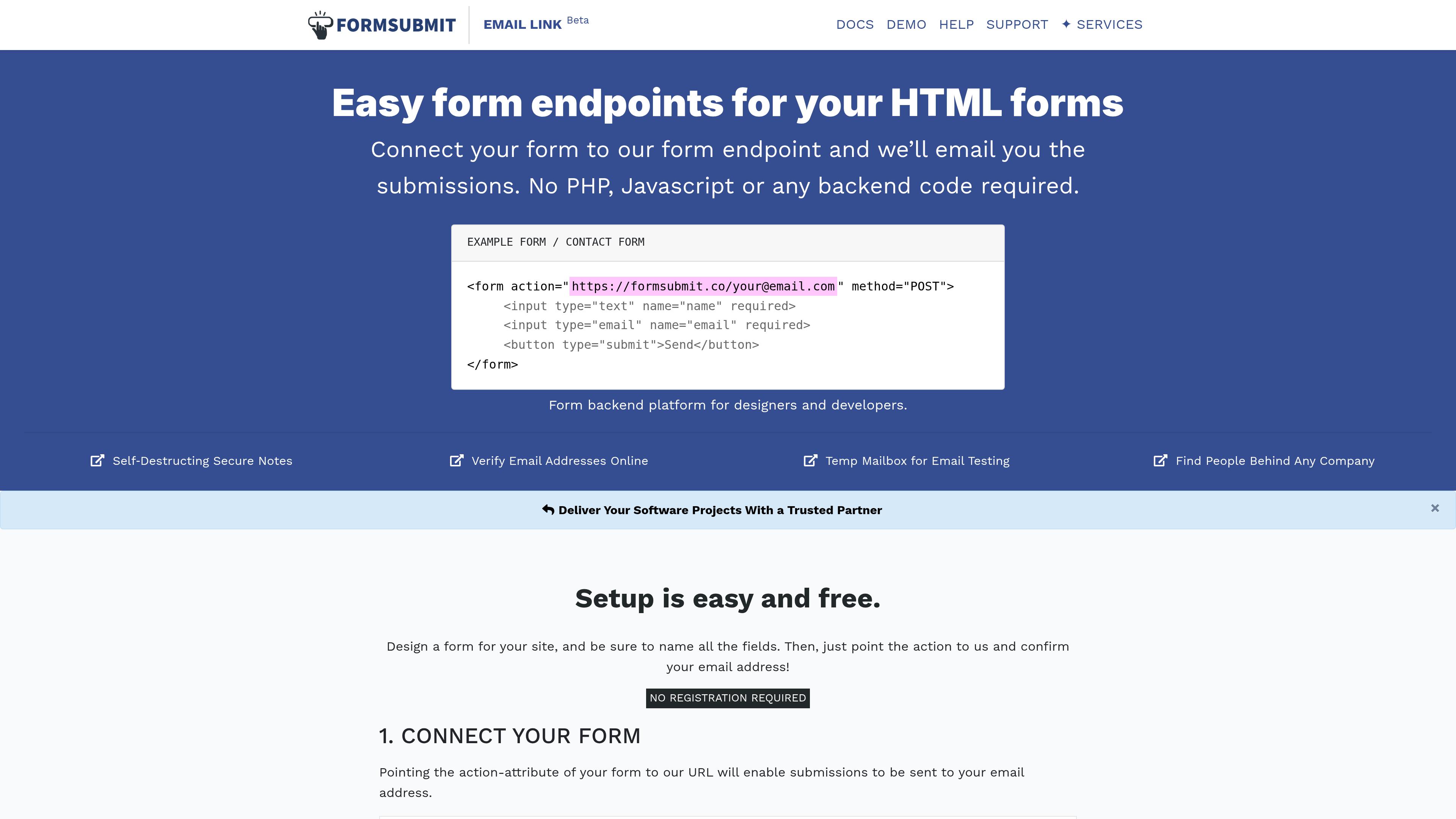
To get started, you add your email address to the form and confirm it. You don't even need an account. Setup does require some HTML knowledge, so it may not suit beginners. It also lacks the advanced management and automation features of other tools on this list.
Key Features
- Connects HTML forms directly to your email.
- No backend development or server setup required.
- Supports AJAX form submissions.
- Built-in Google reCAPTCHA spam protection.
- Optional honeypot fields to block bots.
- Custom thank-you page redirects.
- Automatic email responses to people who submit.
- Custom email subjects and reply-to addresses.
- File attachments up to 10 MB.
- Submission archive and API access.
Pros
- Free to use with unlimited forms and submissions.
- Easy setup with minimal coding.
- No account required to get started.
- Supports custom redirects and email notifications.
- Works well with static HTML websites.
Cons
- Requires basic HTML knowledge for custom setup.
- No traditional drag-and-drop form builder.
- Submission archive keeps data for only 30 days.
- Limited form management and workflow automation.
Pricing
Formsubmit is completely free. You don't need an account. Just configure your settings and connect your HTML forms.
Formspark
Formspark is a hosted form backend for developers and business owners. You connect your existing HTML forms and skip building your own backend.
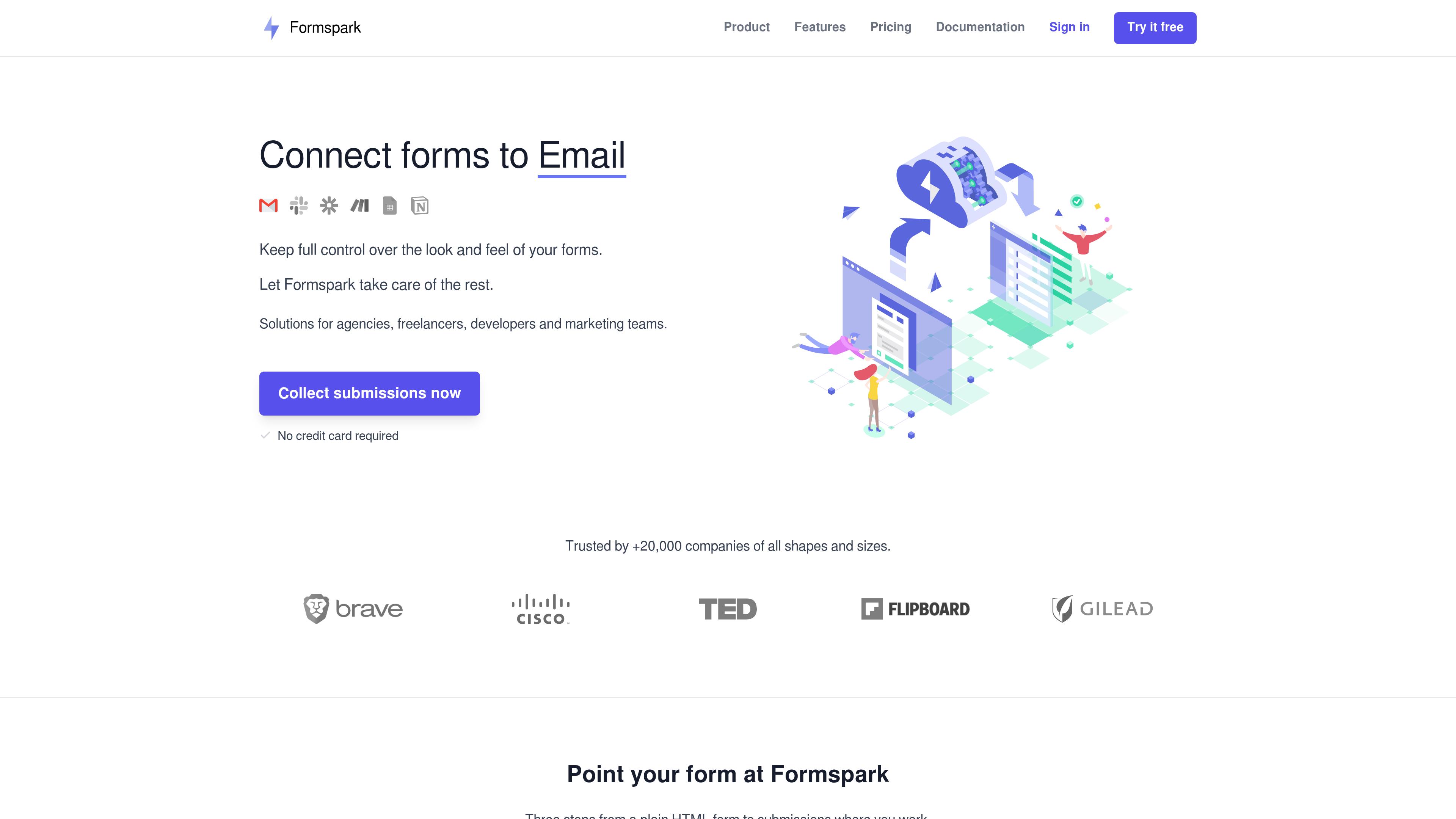
Formspark gives you full control over form design with custom HTML and CSS. It connects with Zapier, Slack, and other business tools. It also has built-in spam filtering to protect your forms from malicious submissions.
Key Features
- Connects existing HTML forms without backend development.
- Supports static websites and popular frontend frameworks.
- Automatic spam filtering with optional CAPTCHA protection.
- Email notifications for new submissions.
- Custom email templates and thank-you pages.
- Integrations with Slack, Zapier, Make, Google Sheets, and Notion.
- Webhooks and REST API access.
- CSV and JSON submission exports.
- Built-in submission analytics.
- Team collaboration with multiple workspaces.
Pros
- Easy to set up without managing a backend.
- Works with existing HTML forms.
- Free plan includes 250 submissions.
- Submissions are stored indefinitely.
- Supports multiple third-party integrations.
- Upgrades are one-time payments, not subscriptions.
Cons
- No traditional drag-and-drop form builder.
- Custom form design requires HTML and CSS knowledge.
- Free plan has a limited submission allowance.
Pricing
Formspark keeps pricing simple with one free plan and one paid option. Here are the pricing plans for Formspark:
- Free: $0
- Upgrade: $25 (one-time payment)
FAQs
What is the best form backend for static websites?
Formbold and Formspark are the best choices for static websites. Both connect to your existing HTML forms and give you one dashboard to manage responses.
Can I use Formspree alternatives without a backend?
Yes. Most Formspree alternatives are hosted, so you don't need to run your own backend server. Connect your HTML form and manage responses from the provider's dashboard.
Which Formspree alternatives support file uploads?
Most tools on this list support file uploads, including Formbold, Forminit, Formsubmit, and Jotform.
Is there an open-source Formspree alternative?
Yes. Formbricks is open source. You can self-host it and run your own form and survey infrastructure.
Can I self-host a Formspree alternative?
Yes, but it takes some technical work. You will need to set up:
- A server or hosting environment.
- A database to store submissions.
- Email delivery.
- Spam protection.
- File storage, if needed.
- Security updates and backups.
How do I migrate from Formspree?
Migrating from Formspree is simple. Follow these steps:
- Choose the Formspree alternative that fits your business.
- Sign up with the new provider and create a new endpoint.
- Replace the Formspree endpoint in your HTML or frontend code.
- Send a test submission to confirm it arrives.
- Deploy the changes to your website and monitor your forms.
Final Words
The best Formspree alternatives let you collect and manage form submissions without building your own backend. This list covers hosted, open-source, and self-hosted options, so you can find the one that fits your needs.
If you want a clear winner, choose Formbold. It connects HTML, React, and even AI-built forms, with no backend to host. So you can manage your forms without the hassle.