Integration Overview
The Zendesk integration creates a support ticket for each form submission. The person who filled in the form becomes the ticket requester, so replies from your agents go straight to them.
You keep your own contact or support form design on your website. You do not need Zendesk's request form, a Zendesk widget, or code that calls the Zendesk API.
It works with plain HTML forms, static sites, and apps built with Next.js, React, Vue, or Angular.
How It Works
- A visitor submits your form.
- FormBold runs its spam checks and allowed-domain rules.
- If the submission passes, FormBold saves it and creates a ticket in Zendesk.
- The ticket appears in your agents' queue with the submitter as the requester.
If Zendesk does not accept a delivery, FormBold retries it automatically. Email notifications and other integrations keep running.
How to Connect Your Form to Zendesk
Step 1: Find your Zendesk subdomain
Look at the address of your Zendesk account: https://your-subdomain.zendesk.com. The part before .zendesk.com is your subdomain.
Step 2: Create a Zendesk API token
- In Zendesk Admin Center, go to Apps and integrations, then APIs, then Zendesk API.
- Turn on Token Access.
- Click Add API token, enter a description such as "FormBold Integration", and copy the token.
Step 3: Connect Zendesk in FormBold
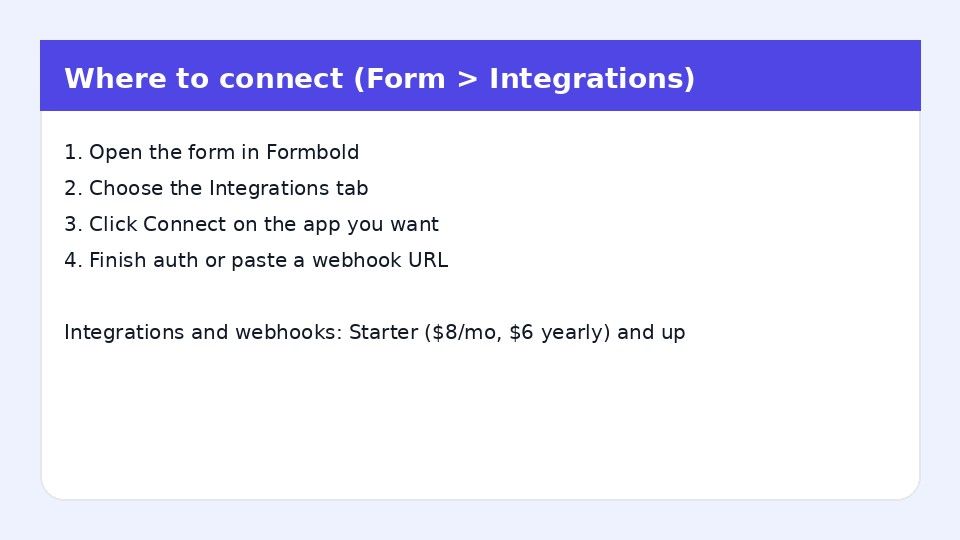
- Open your form in FormBold and go to the Integrations tab.
- Click Zendesk.
- Enter your Zendesk subdomain, your admin email address, and the API token.
- Map your form inputs to Ticket Subject, Requester Email, and Ticket Description.
- Click Save & Connect.
Step 4: Test it
Submit a test message from your website form. A new ticket should appear in your Zendesk queue with you as the requester.
Common Uses
- Contact and support forms: Every question becomes a ticket your team can track to resolution.
- Bug reports: Customers report problems on your site, and the details arrive as a ticket.
- Refund and account requests: Collect the right details up front so agents can act without asking again.
- Sales and partner inquiries: Keep all inbound requests in one queue.
Frequently Asked Questions
Can my own HTML form create Zendesk tickets?
Yes. Point the form to FormBold and connect Zendesk. Each submission creates a ticket.
Do I need to use the Zendesk API myself?
No. You create an API token in Zendesk and paste it into FormBold. FormBold creates the tickets.
Who is the ticket requester?
The email address the visitor entered in your form, based on the field you map to Requester Email.
What information do I need to connect?
Your Zendesk subdomain, an admin email address, and a Zendesk API token.
Do spam submissions create tickets?
No. FormBold checks each submission for spam before creating a ticket, so bots do not fill your queue.