

Fillout vs Formbold: Form Builder or Form Backend?
Fillout is a visual form builder with a generous free plan (1,000 responses/month). Formbold is a form backend for forms you already build, from $6/month billed yearly.
Feature Comparison
Fillout details checked on the vendor site in October 2026. Formbold details match our pricing page.
| Feature | Fillout | |
|---|---|---|
| Free Plan | Yes (250 submissions/month, 10 forms) | Yes (unlimited forms, 1,000 responses/month) |
| Starting Paid Plan | $8/month, or $6/month billed yearly | Starter $19/month, or $15/month billed yearly |
| Monthly Responses Limit | 250 (Free), 3,000 (Starter), 10,000 (Premium), 30,000 (Business) | 1,000 (Free), more on paid plans |
| Forms | 10 (Free), unlimited on Starter, Premium and Business | Unlimited on all plans |
| Team Members / Seats | 1 (Free), 2 (Starter), 5 (Premium), 20 (Business) | Unlimited seats |
| Multi-page Forms | Yes, in your own form code (see the multi-step template) | Supported |
| Payment Collection | Not supported | Supported |
| File Uploads | Starter and higher (10 MB per file on Starter, up to 50 MB on Business) | Yes |
| Form Embedding | ||
| Remove branding | Premium and Business plans | Paid plans only |
| PDF Document Generation | Not supported | Included |
| Workflows & Automations | Webhooks, Zapier and Make from Starter | Fillout Workflows |
| Integrations | Starter and higher: Slack, Telegram, Discord, Notion, Google Sheets, HubSpot, Mailchimp, Zendesk, Zapier, Make and webhooks | Airtable, Google Sheets, Notion, webhooks and more |
| GDPR and DPA | Yes, DPA available | Yes. DPA on any plan, EU hosting on Team and up |
| Pricing Transparency | Monthly or yearly, prices on the pricing page | Monthly or yearly plans |
| Best For | Developers and small teams with their own forms | Teams that want a visual builder and workflows |
What is Fillout?
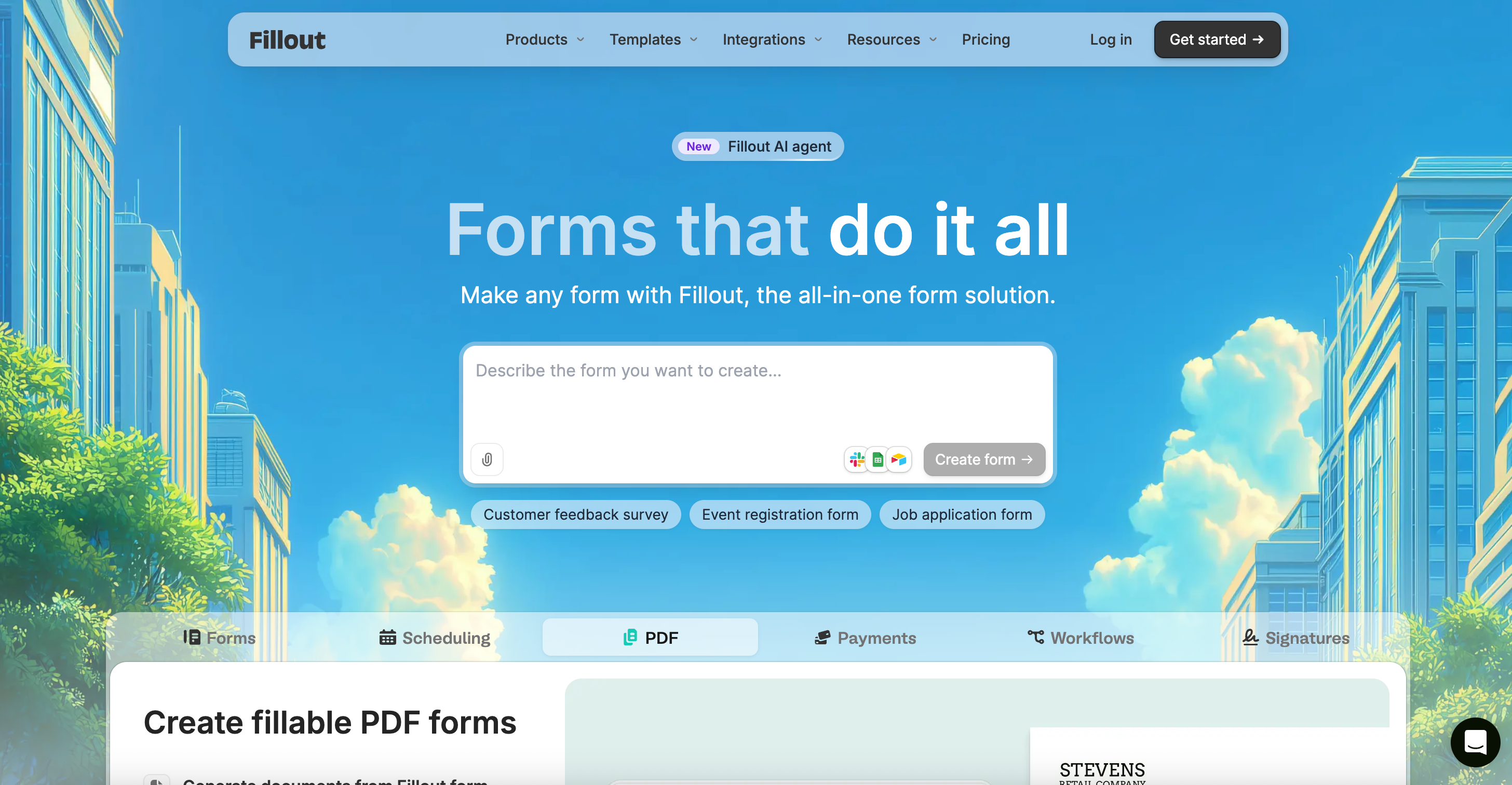
Fillout is a visual form builder with workflows, PDF generation and unlimited seats. It is aimed at teams who build forms inside Fillout, not at shipping a raw HTML endpoint.
What does Fillout cost?
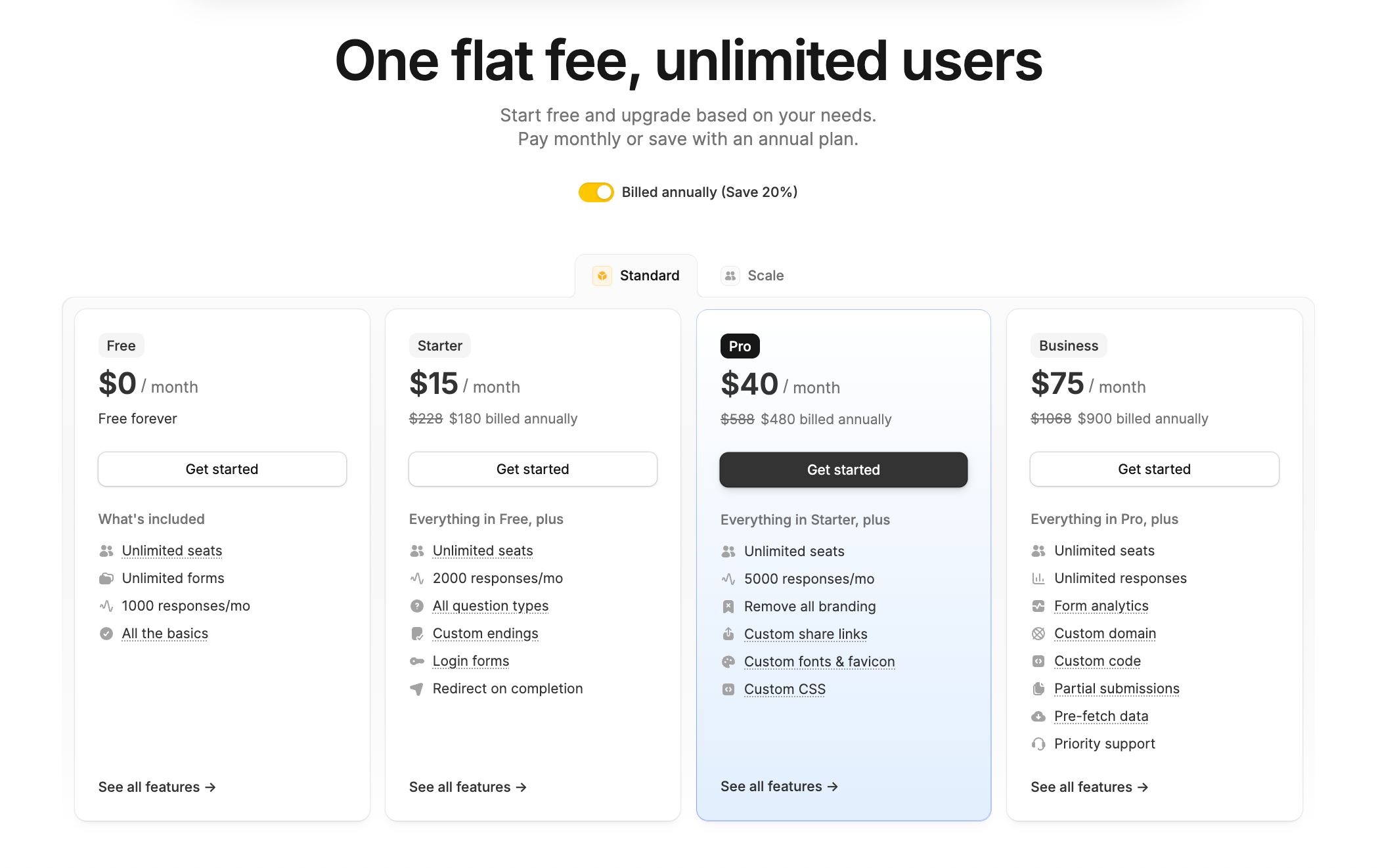
Free includes unlimited forms and seats, 1,000 responses a month and a 20 MB max file size. Starter is $19/month, or $15/month billed yearly, for 2,000 responses. Pro is $49/month, or $40/month yearly, for 5,000 with branding removed, and Business is $89/month, or $75/month yearly, for unlimited responses.
Why pick Formbold over Fillout?
Formbold is a form backend: point any HTML or JavaScript form at your Formbold endpoint, and it stores each submission, filters spam and sends it to email, Slack, Google Sheets, webhooks and 8 other apps, with no server to run.
- Free plan with 10 forms and 250 submissions
- Starter at $8/month, or $6/month billed yearly, with integrations and webhooks
- REST API and MCP on every plan, including Free; CSV export on all paid plans
Who should choose Fillout vs Formbold?
Choose Fillout if you want an all-in-one builder with seats included. Choose Formbold if your form UI lives in your own codebase and you only need submissions handled.
Frequently asked questions
Have questions? Find clear answers about Formbold's features, pricing, integrations, security, and everything you need to get started.
Still have a question?
The docs cover setup, framework guides, integrations and spam protection, step by step.
Still have a question?
The docs cover setup, framework guides, integrations and spam protection, step by step.

Start building automated forms in 60 seconds
No backend required. Just paste your endpoint and start receiving leads, messages, and submissions immediately.